Web ApplicationsMVP Development
Live Line Dashboard
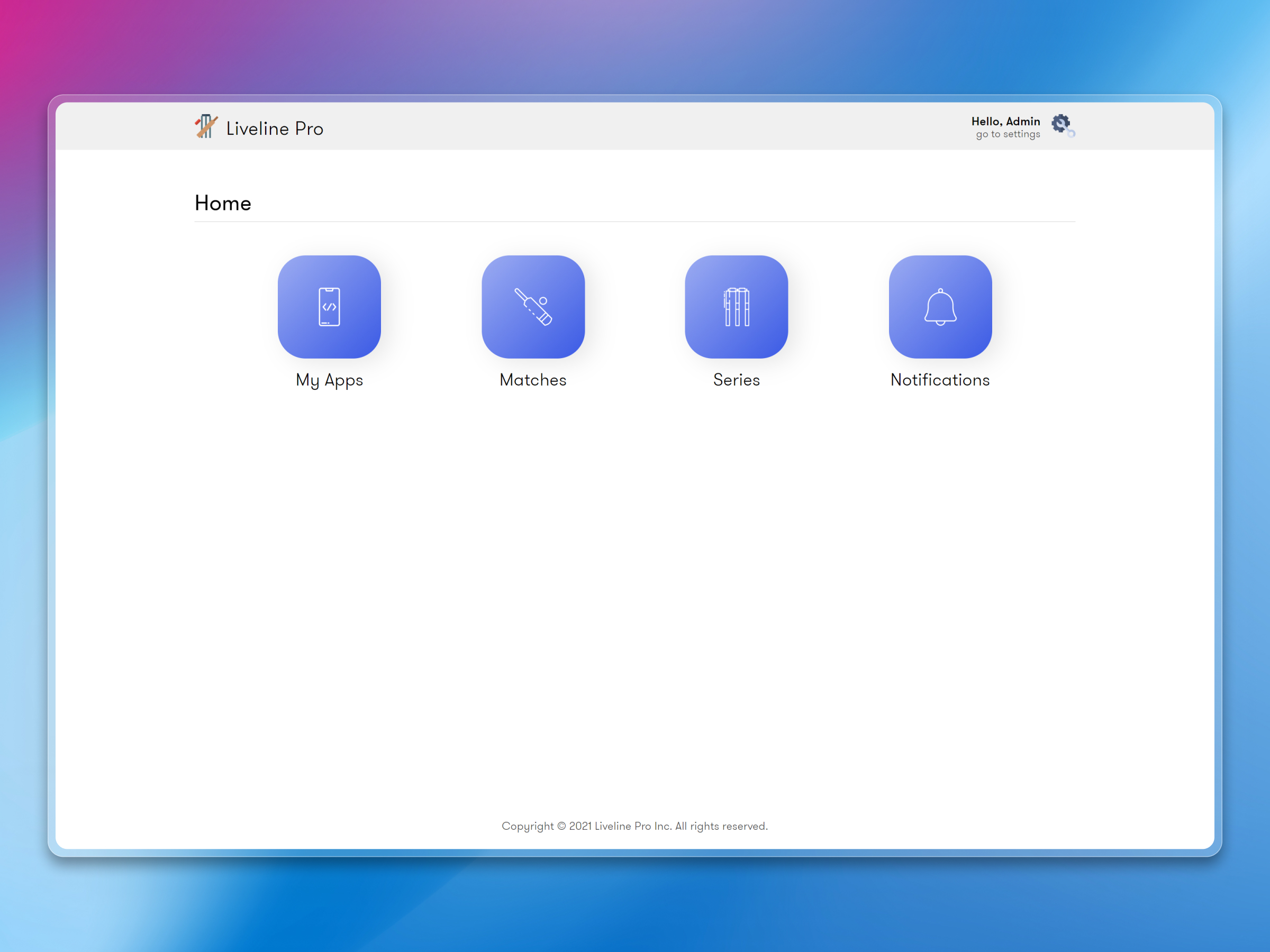
Live Line Dashboard is the admin panel behind the cricket scoring app, built to manage live data, matches, and updates with speed and control.
A control panel that keeps live cricket content moving
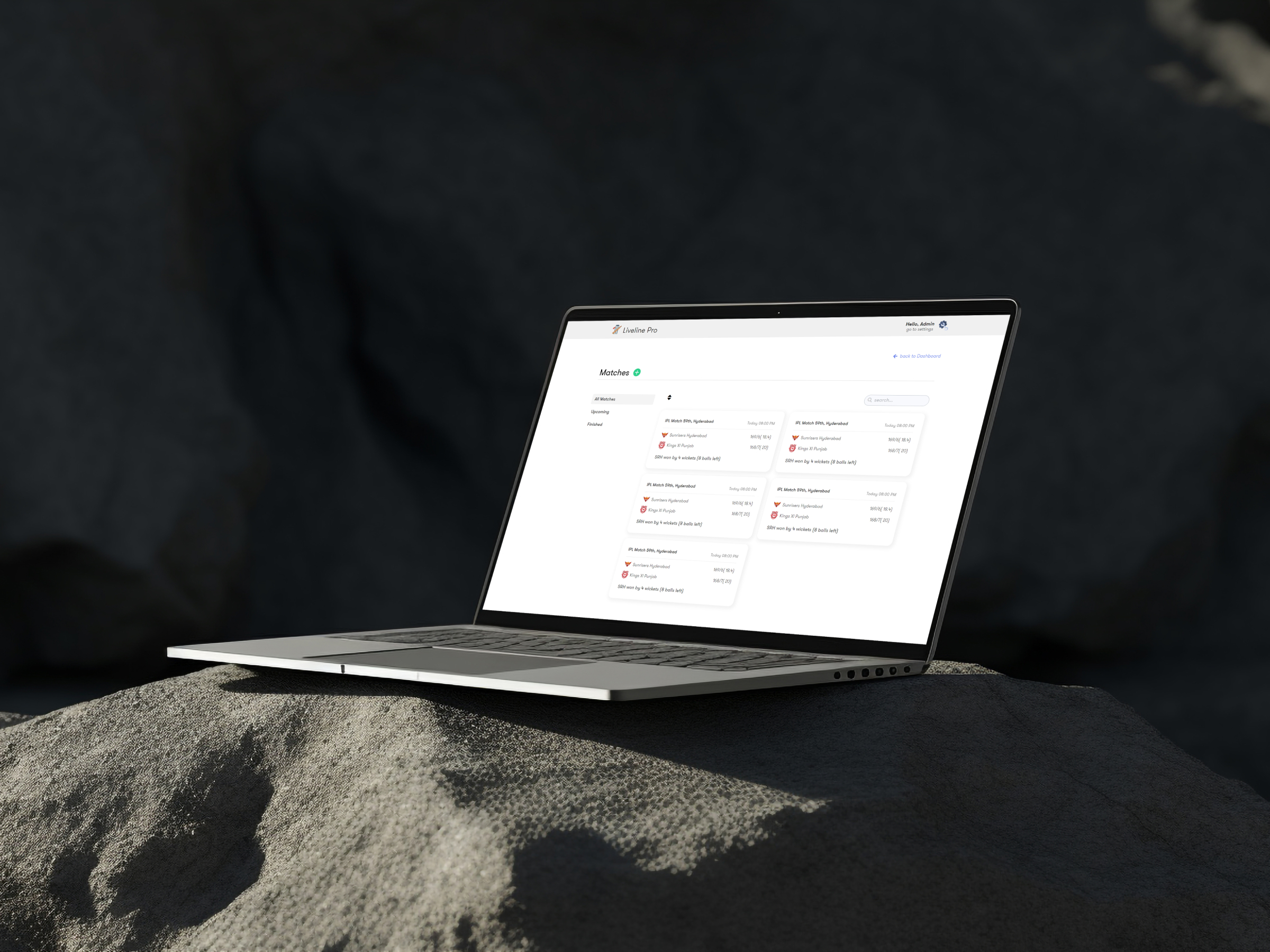
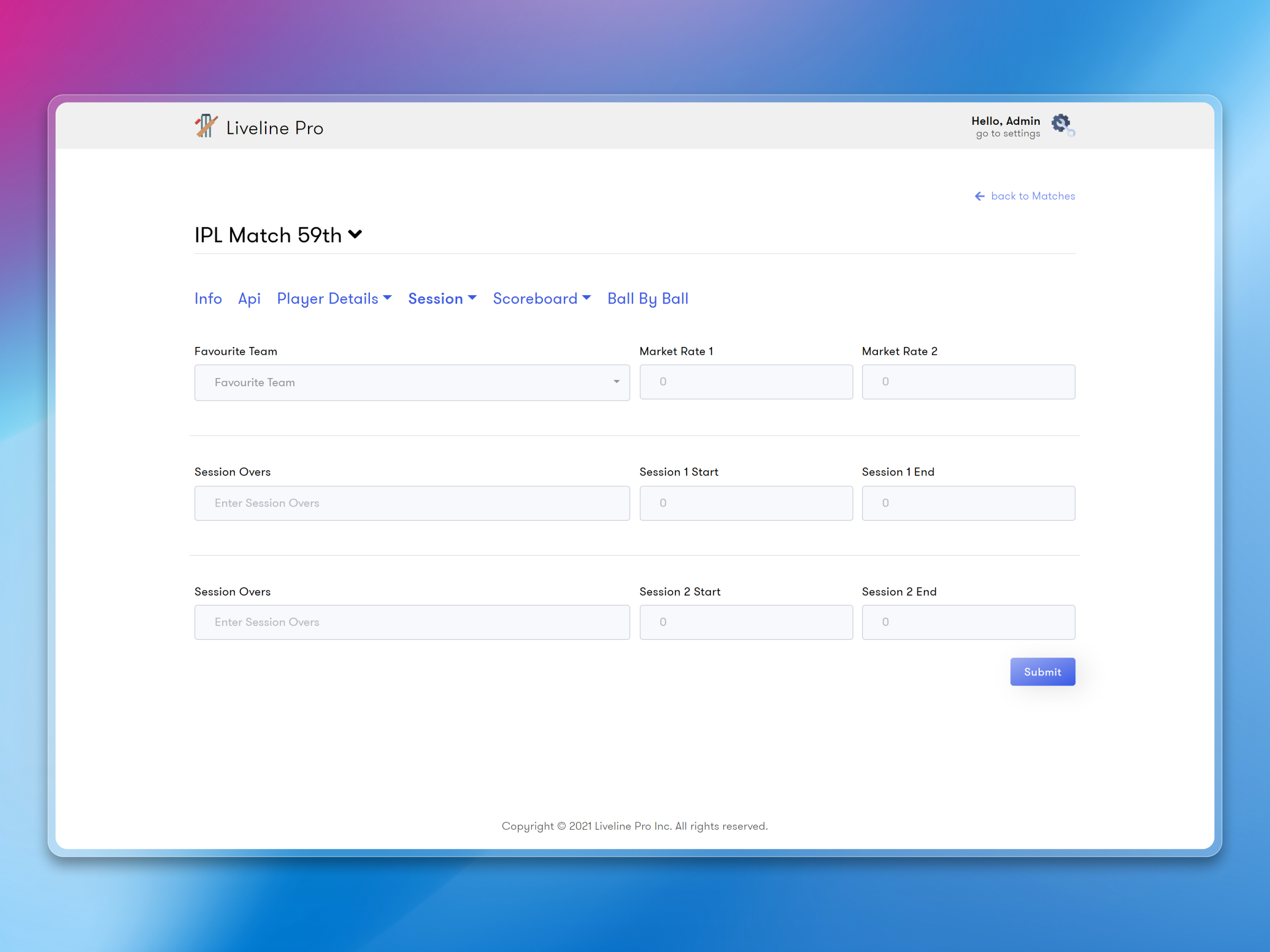
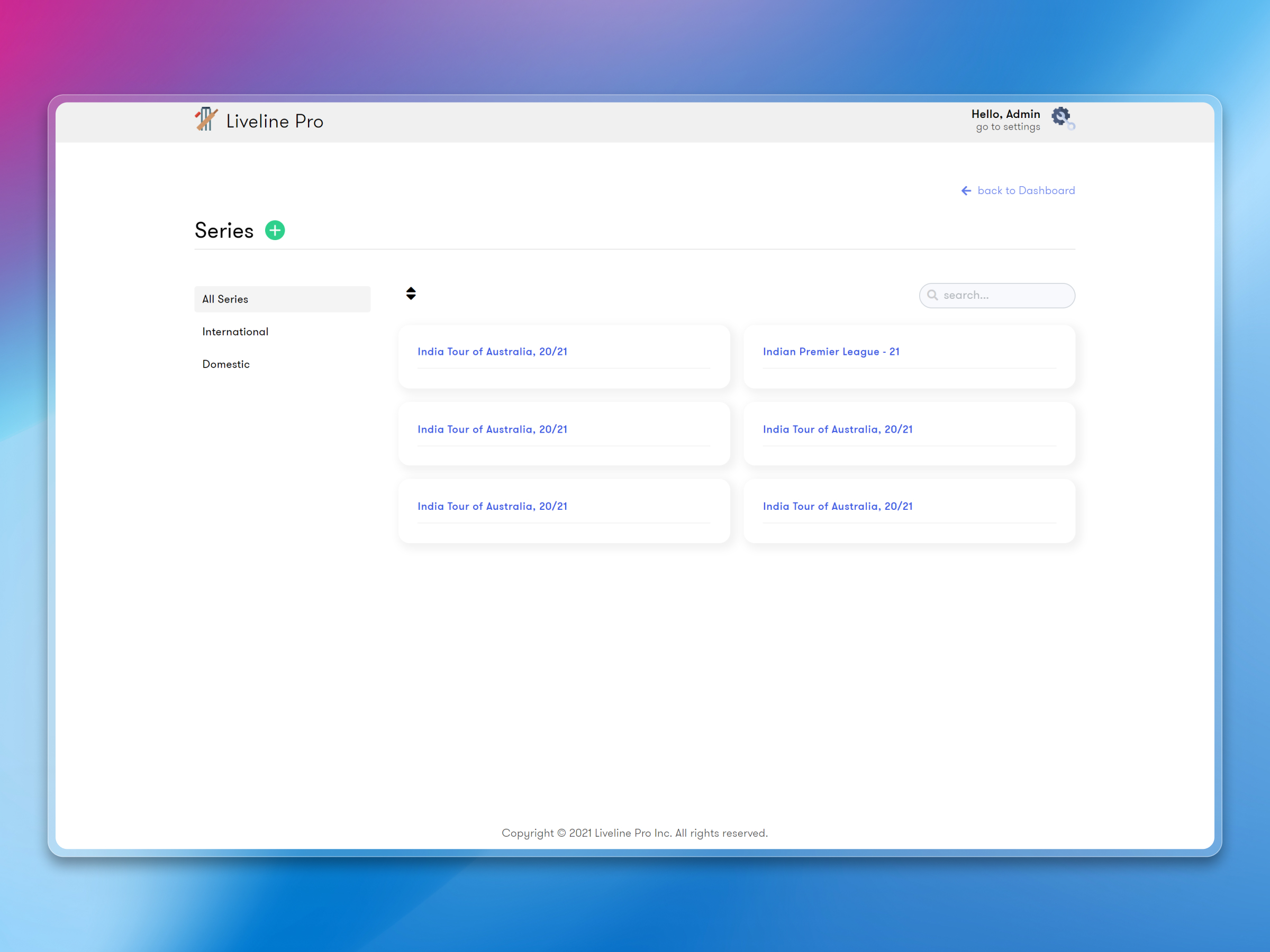
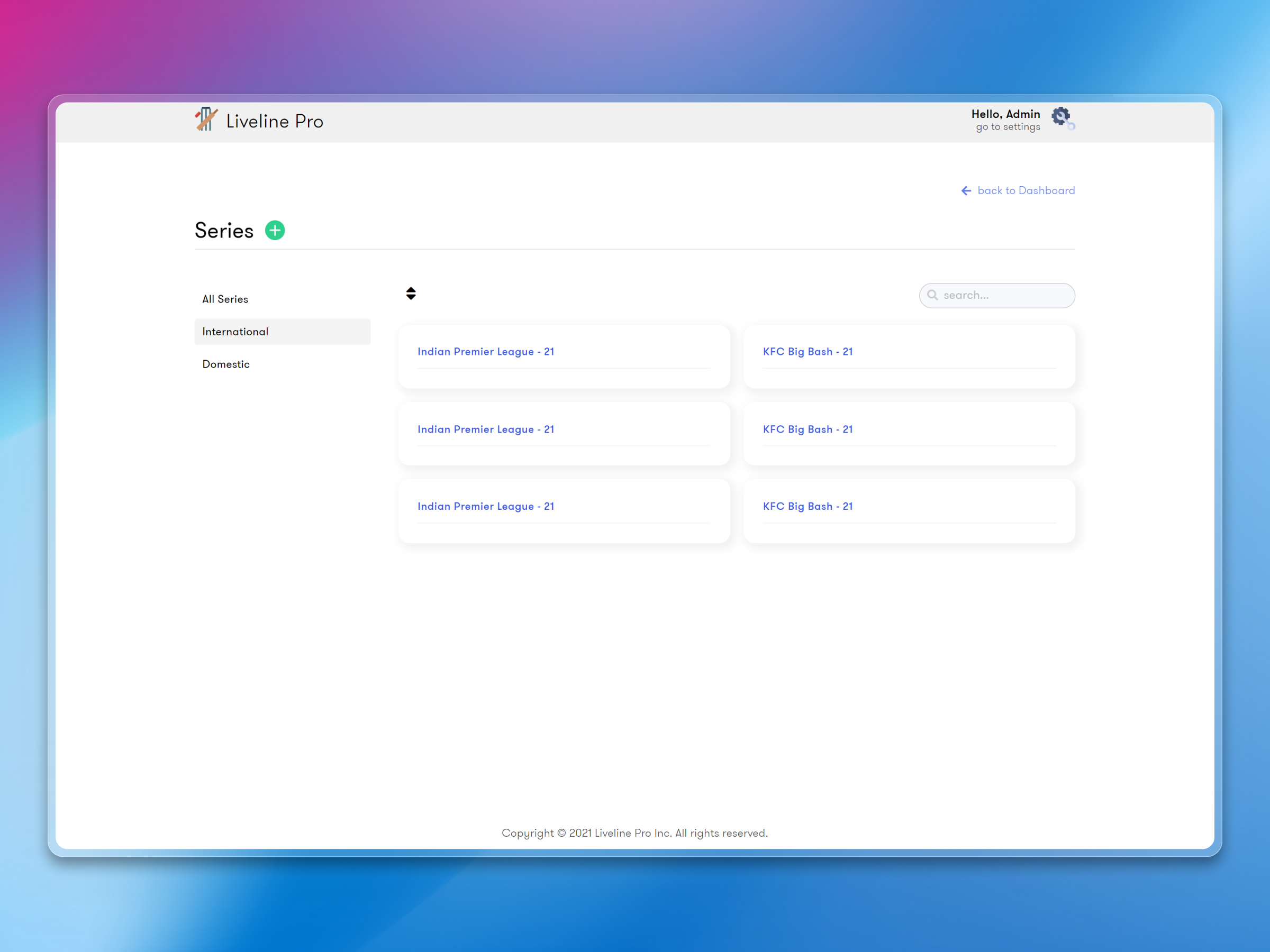
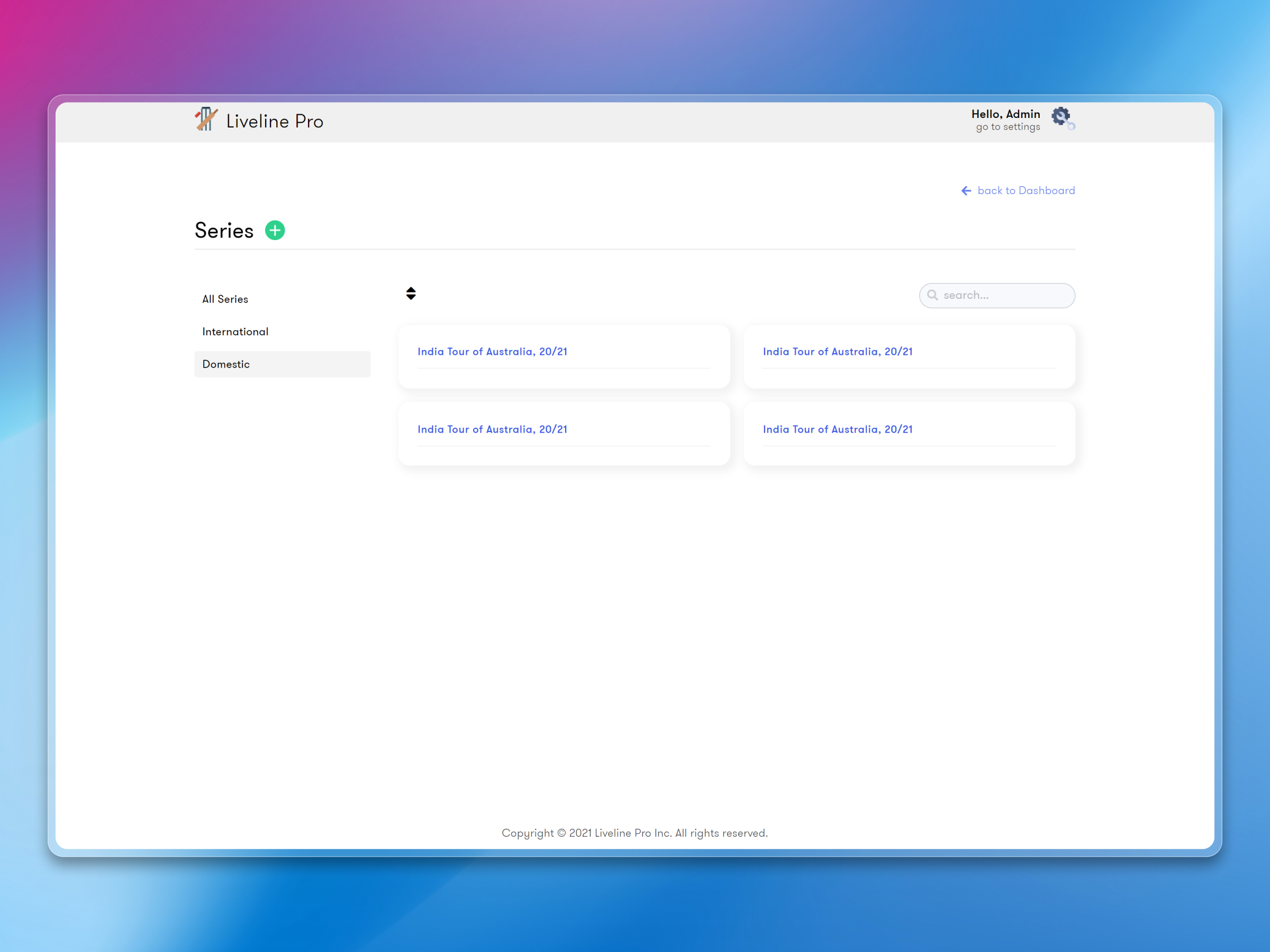
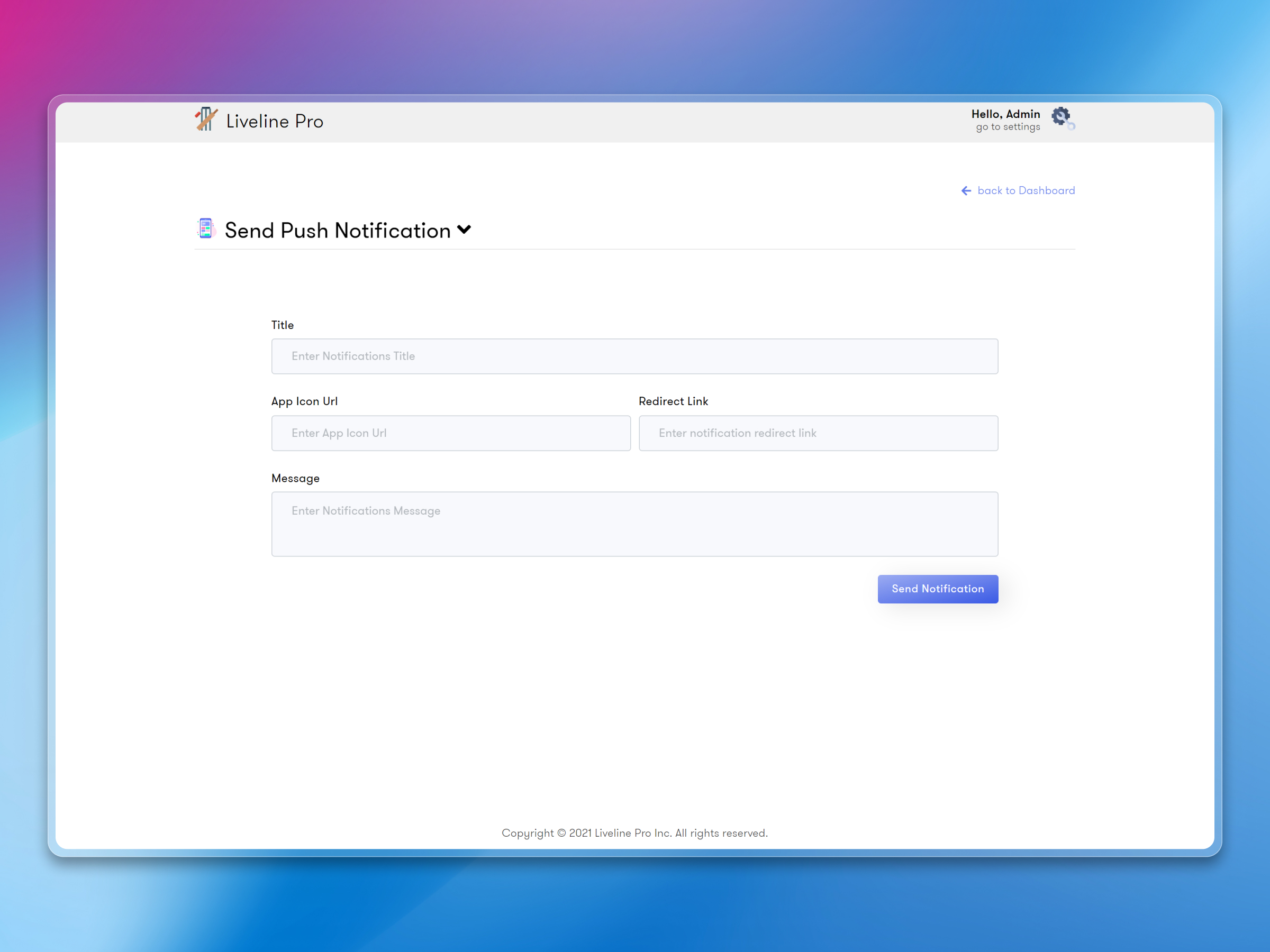
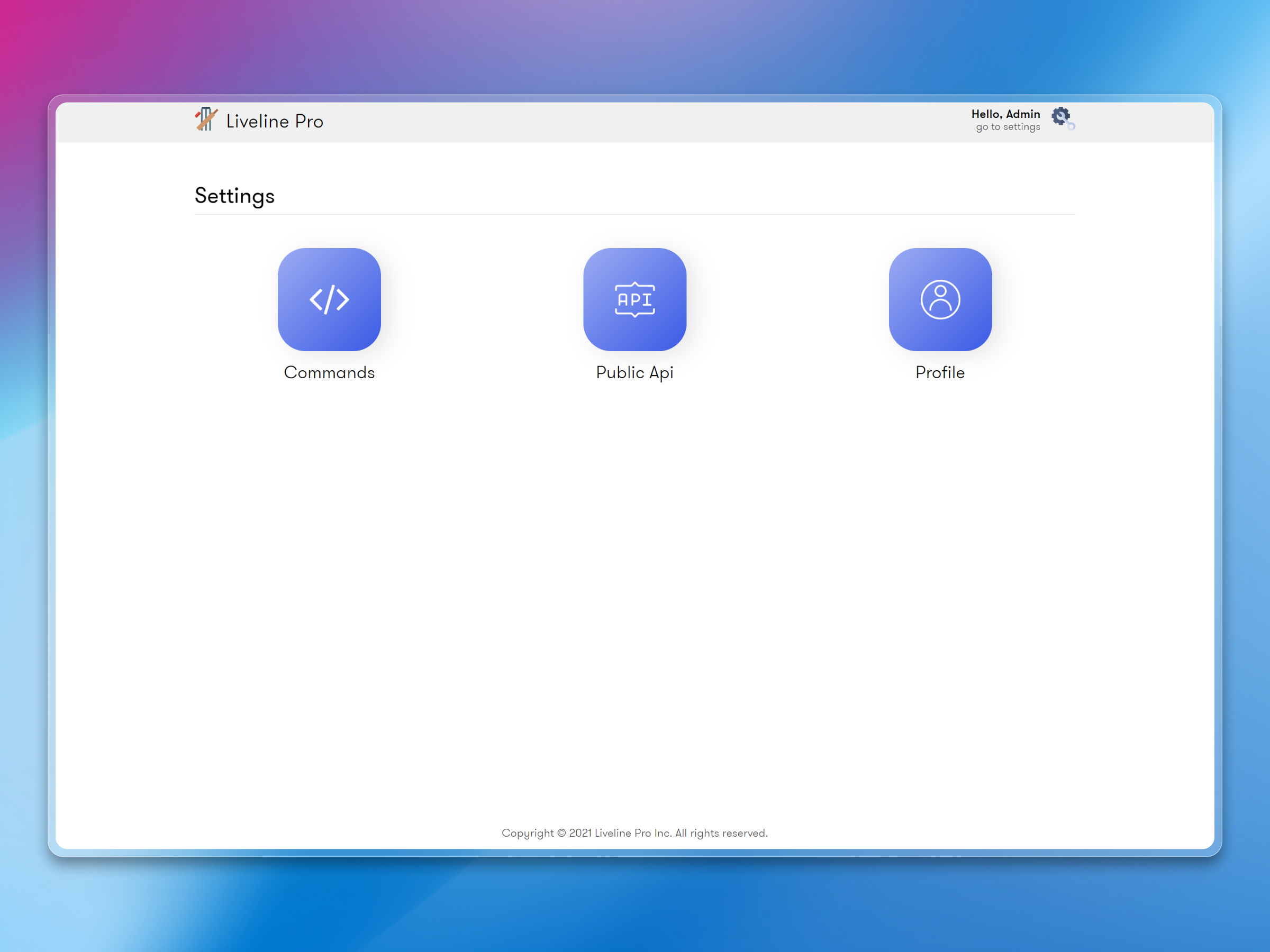
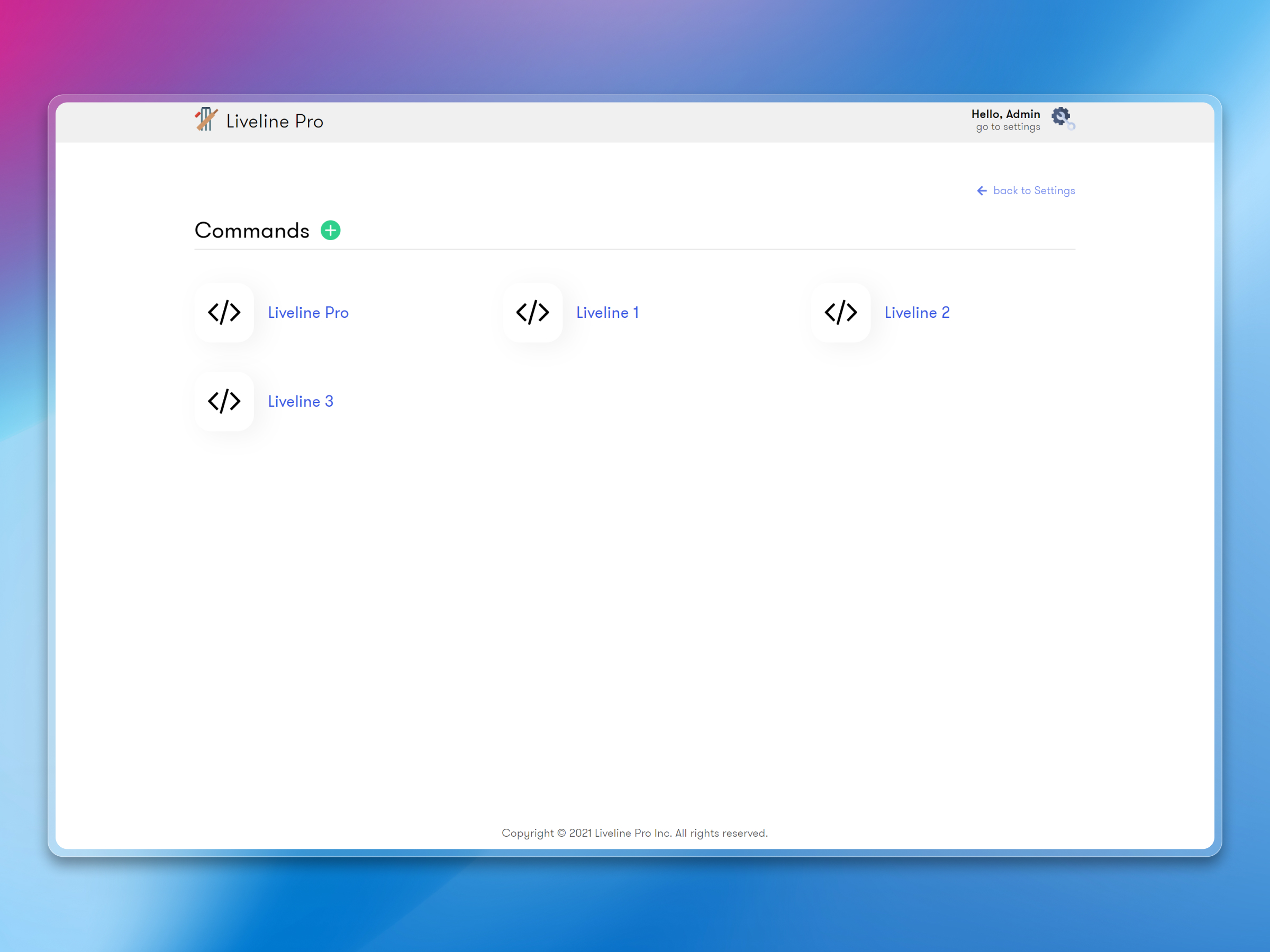
Live Line Dashboard is the web-based admin panel we planned, designed, and built to power the Live Line cricket scoring app. It's where operators enter ball-by-ball scores for international matches — IPL, World Cup, T20I series — manage fixtures, update team rosters, publish live match predictions, and control everything fans see in the mobile app, all in real time.
Built for a Faridabad-based client, this dashboard is the backbone of the whole live scoring system. It powers the Live Line mobile app — both were designed and delivered as a single package covering international cricket tournaments.
What the project needed to do
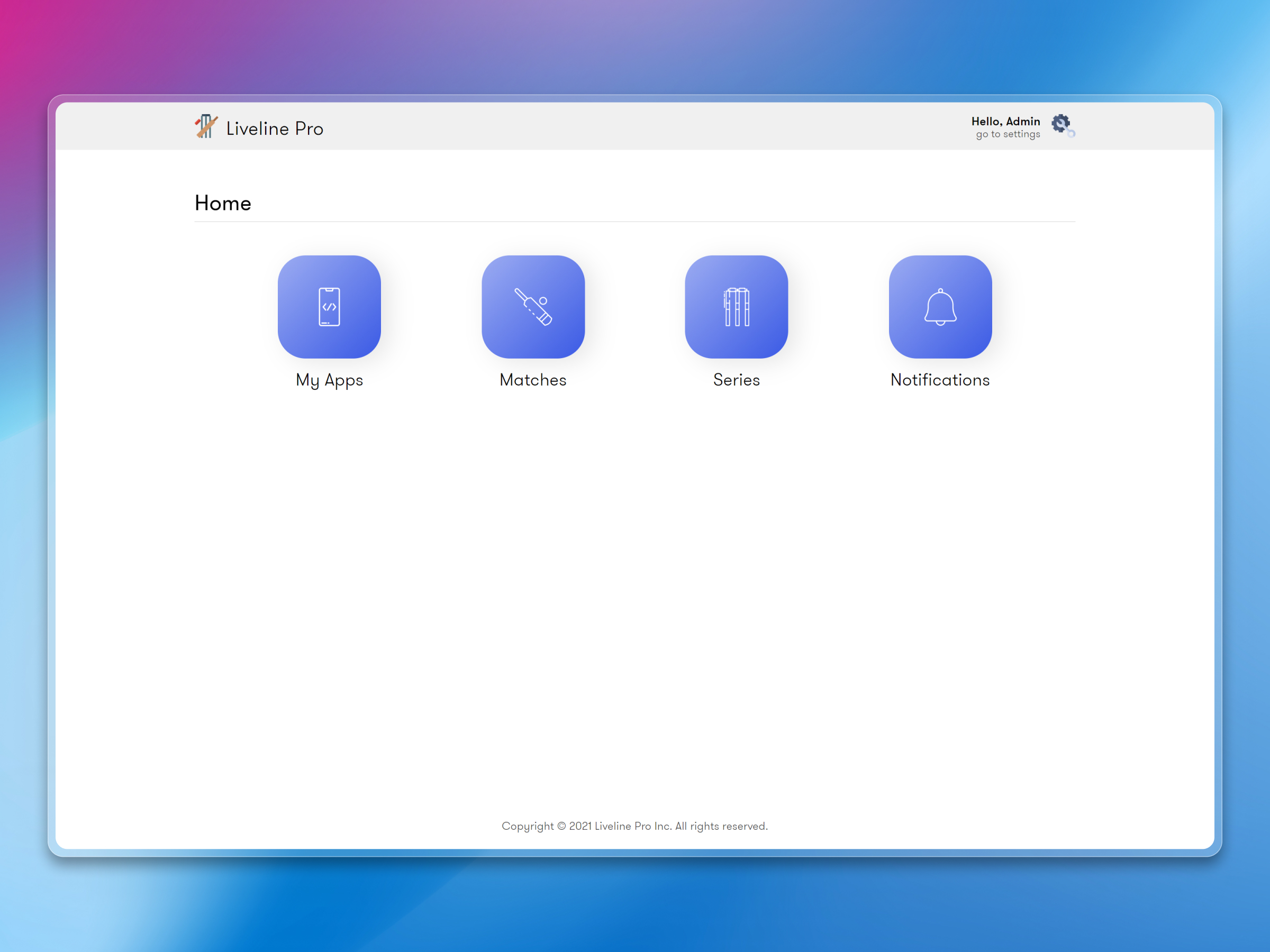
The brief required a centralized control panel where his team could manage live scoring for international cricket — IPL, World Cup, bilateral series — across multiple apps from a single place. Each tournament has its own set of matches, teams, and scorecards, and all of this data needs to push to the mobile apps instantly.
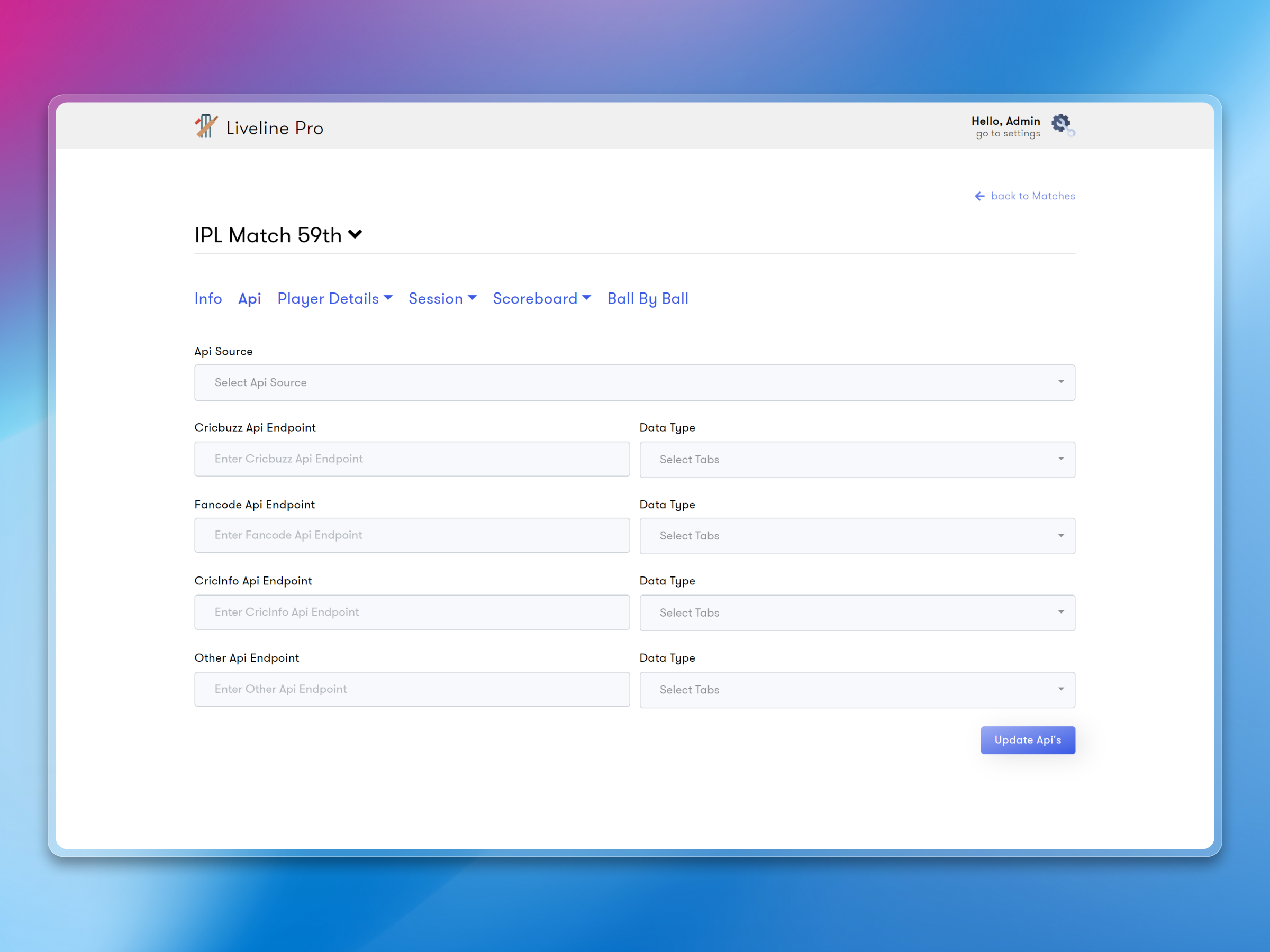
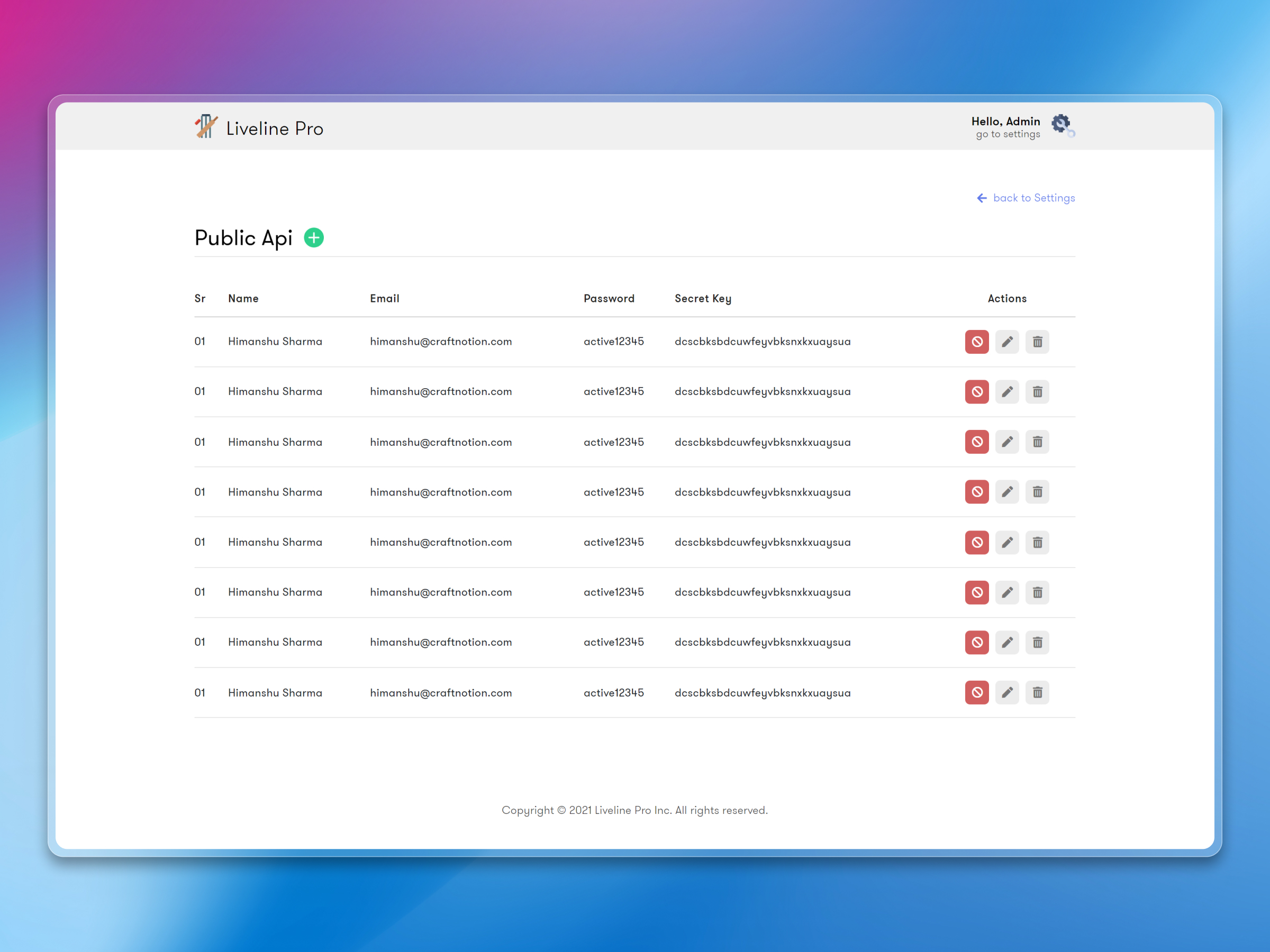
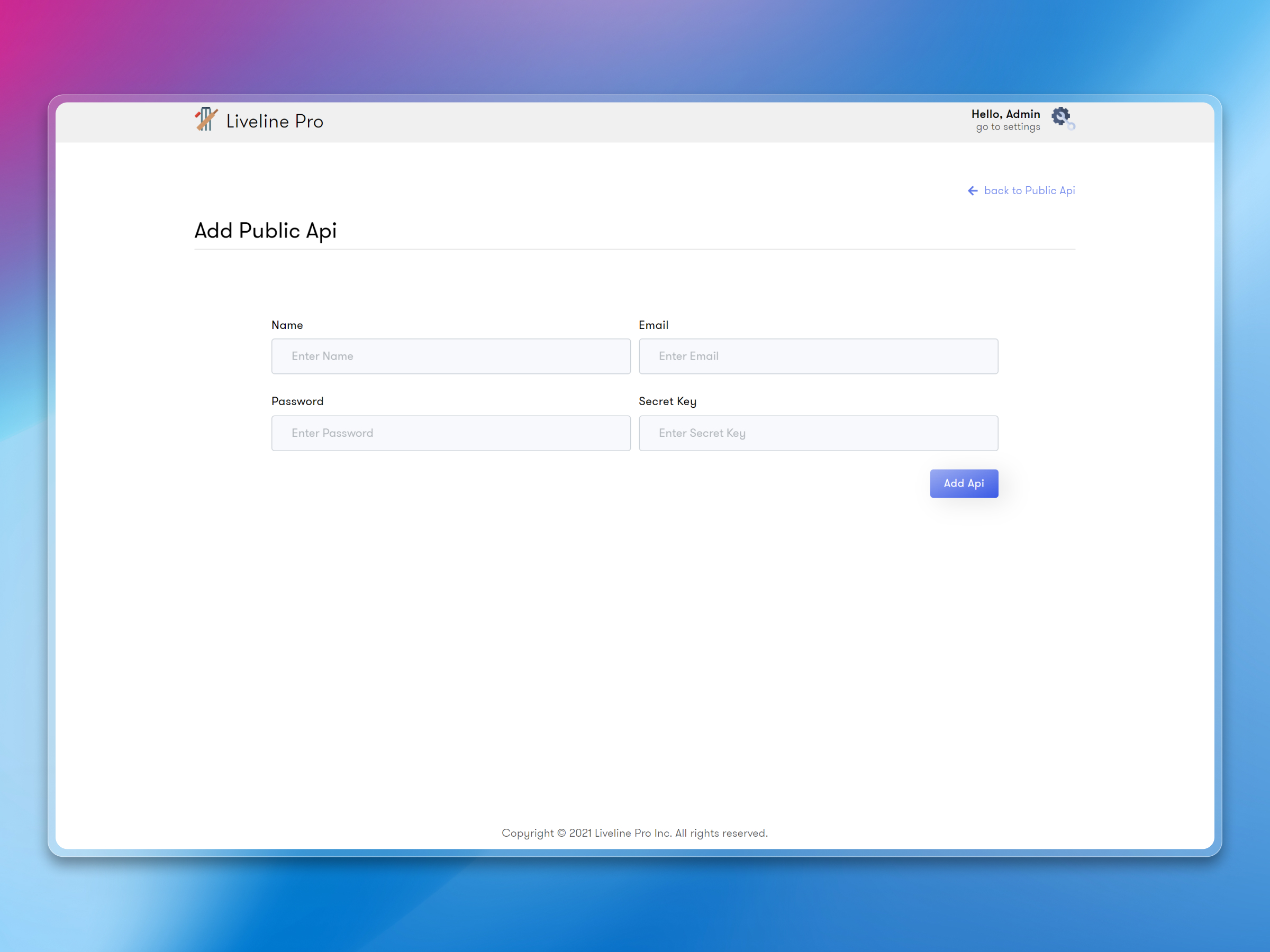
He also wanted the dashboard to serve as an API provider for multiple cricket apps, not just one. So the system needed to handle data for several white-label apps simultaneously without them stepping on each other's data.
How we approached it
The dashboard is built with Next.js and React on the frontend, with Firebase handling real-time data sync to the mobile apps. Here's what it does:
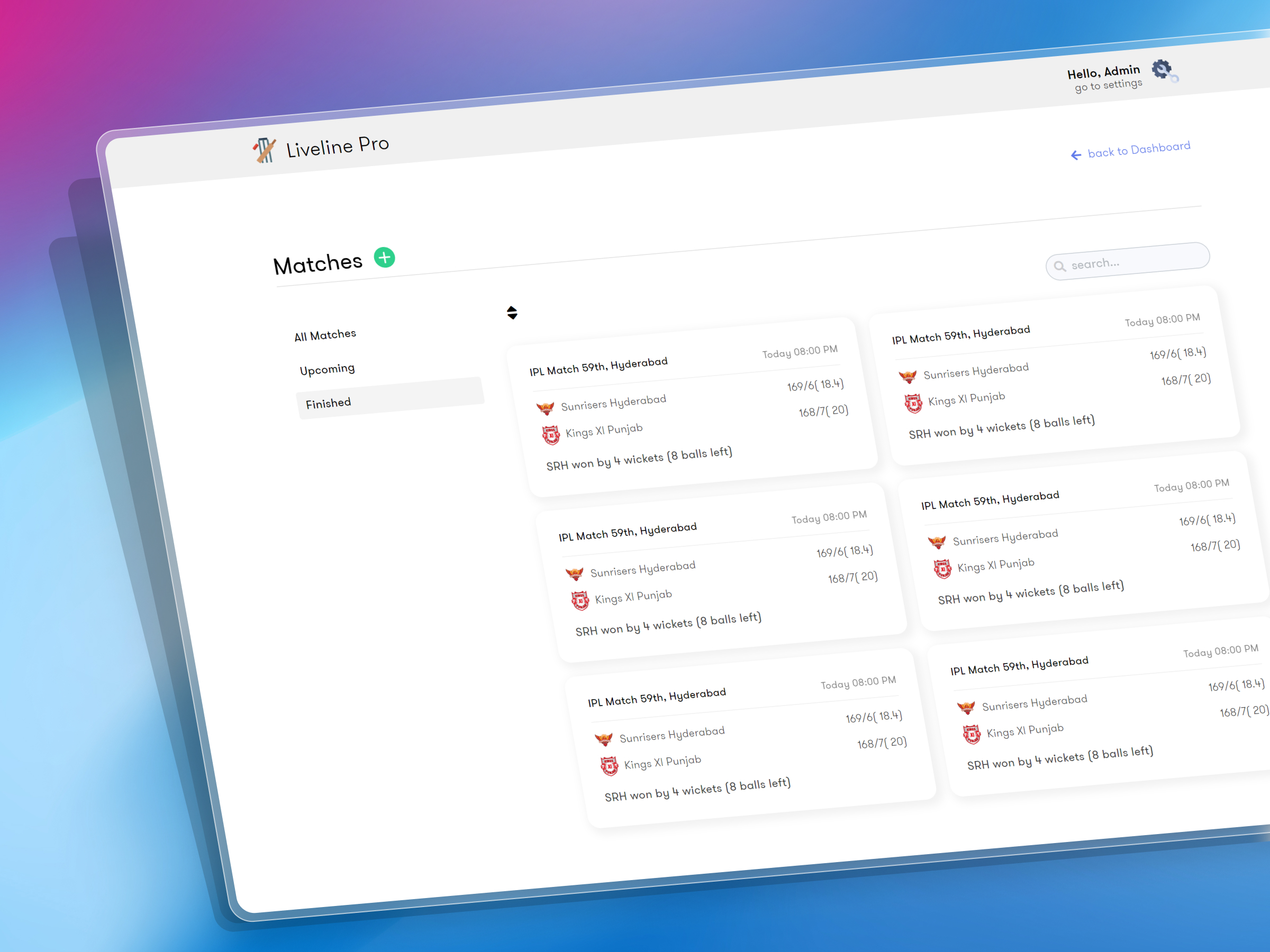
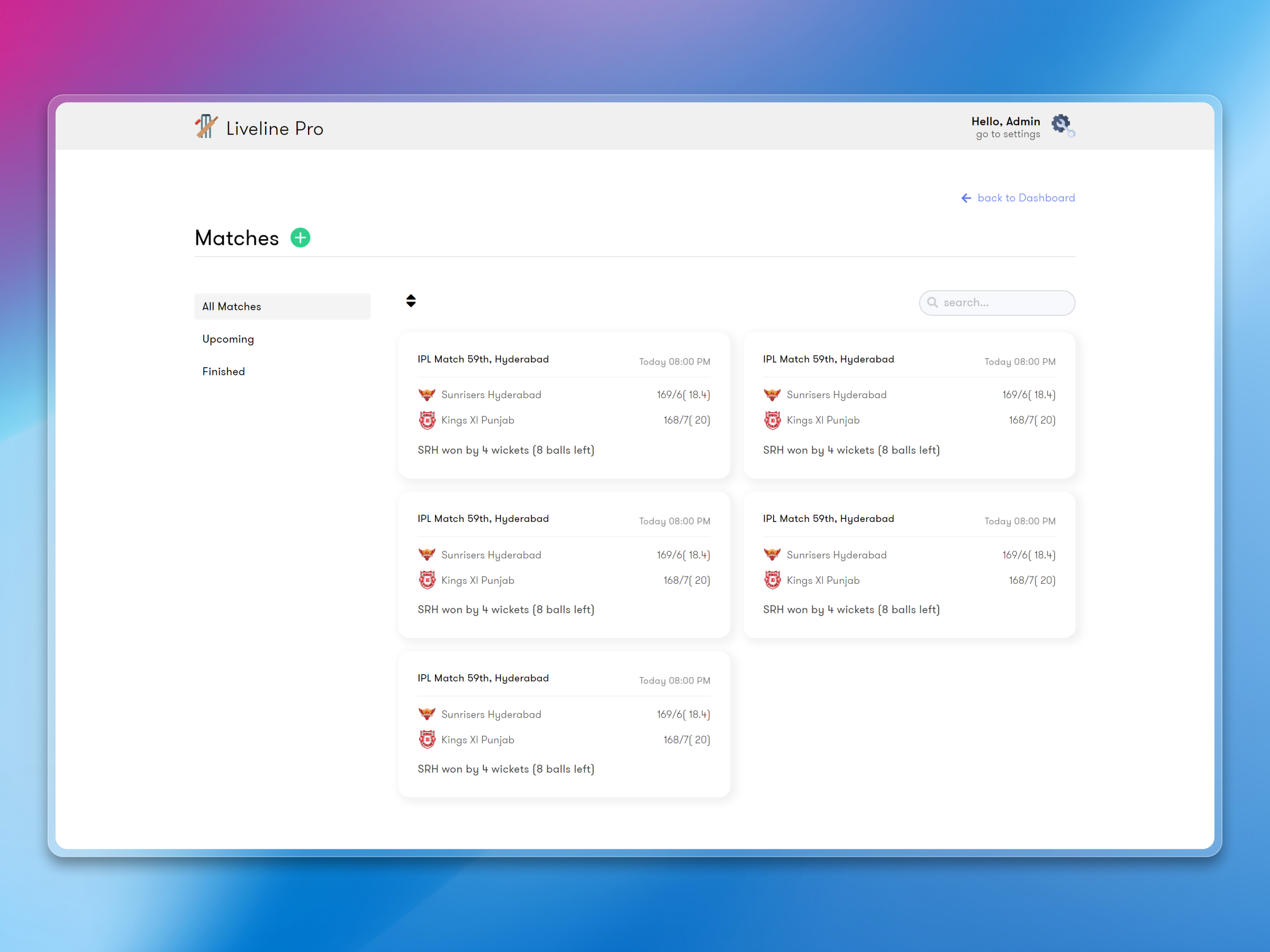
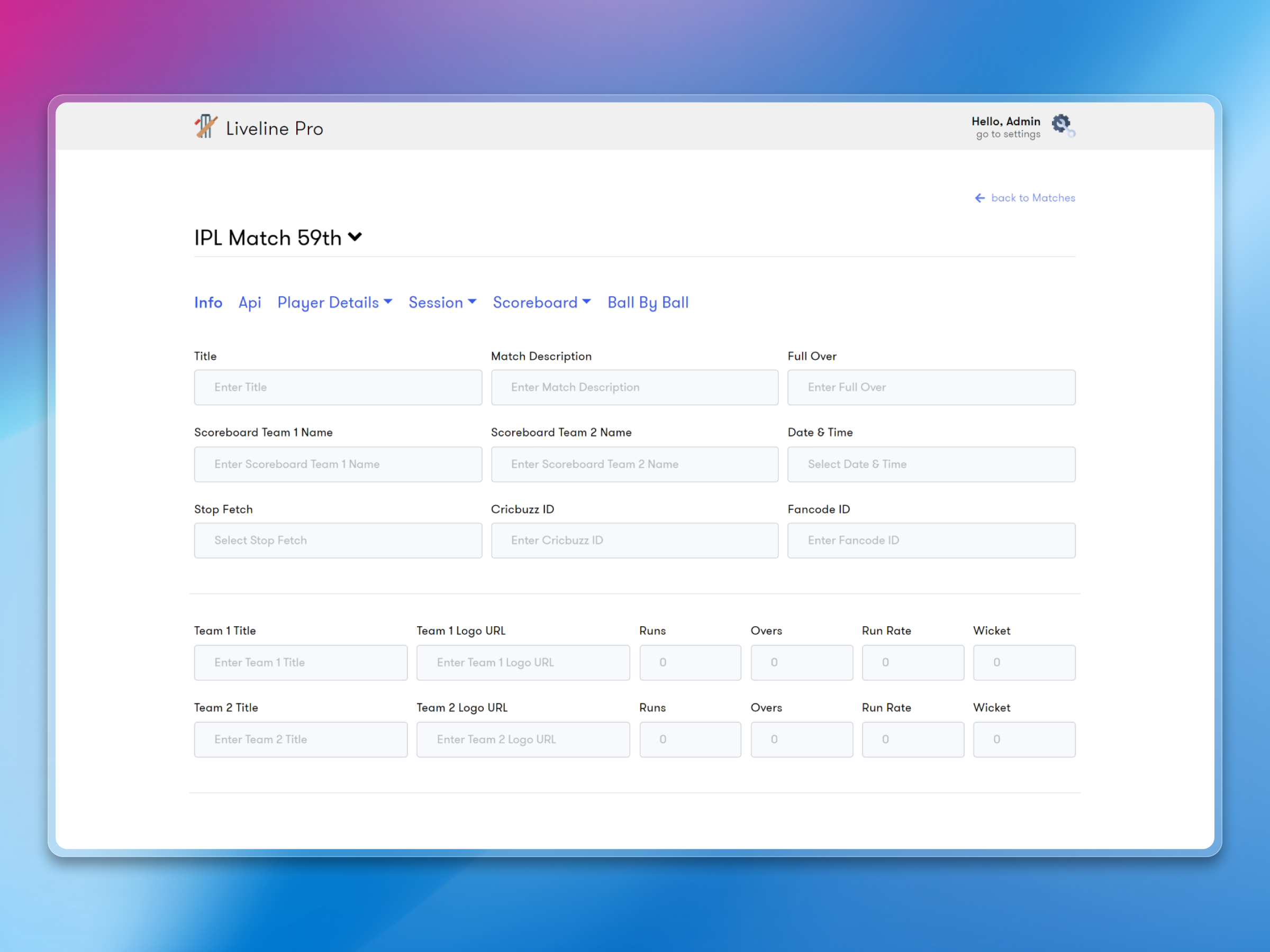
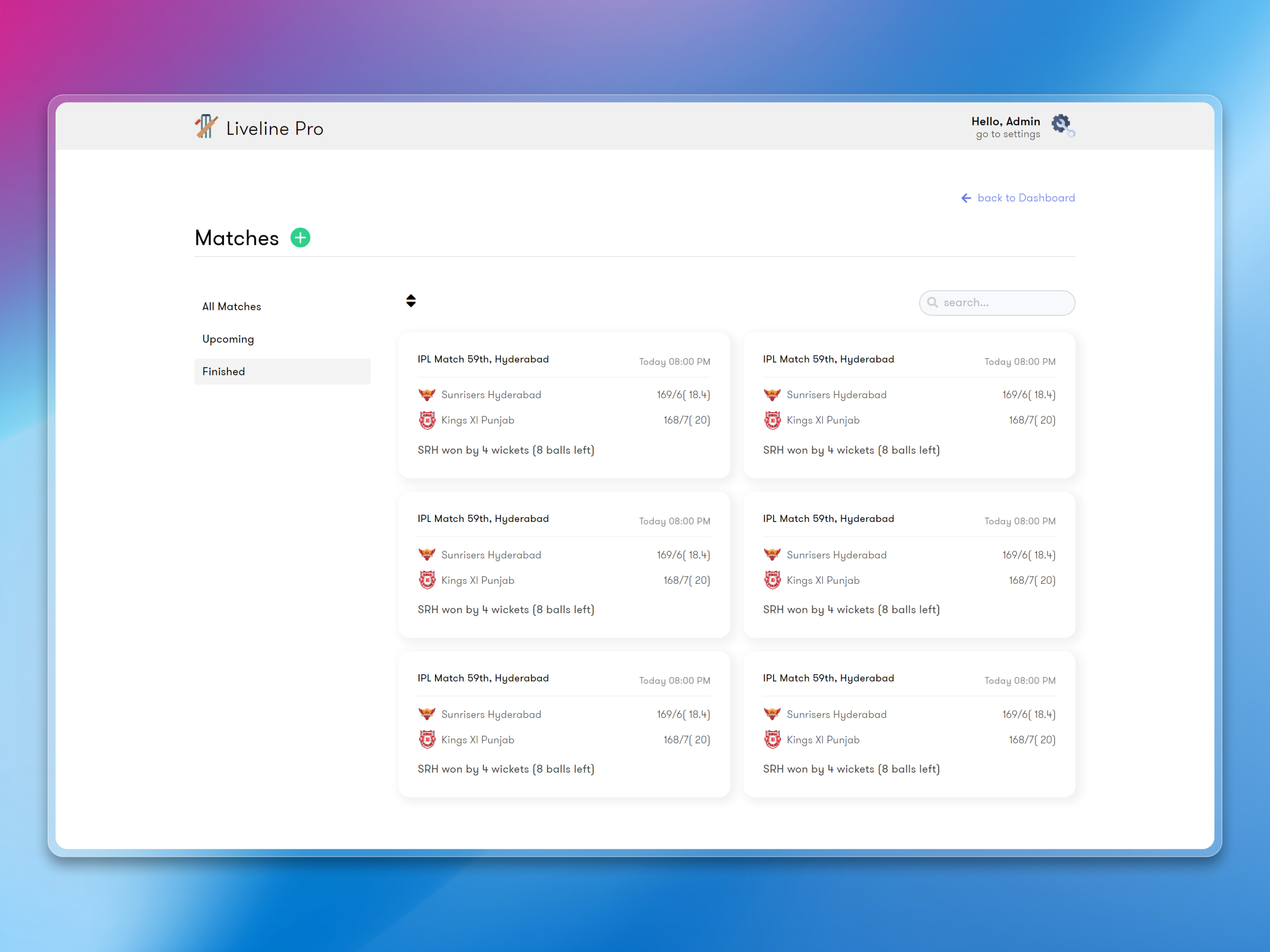
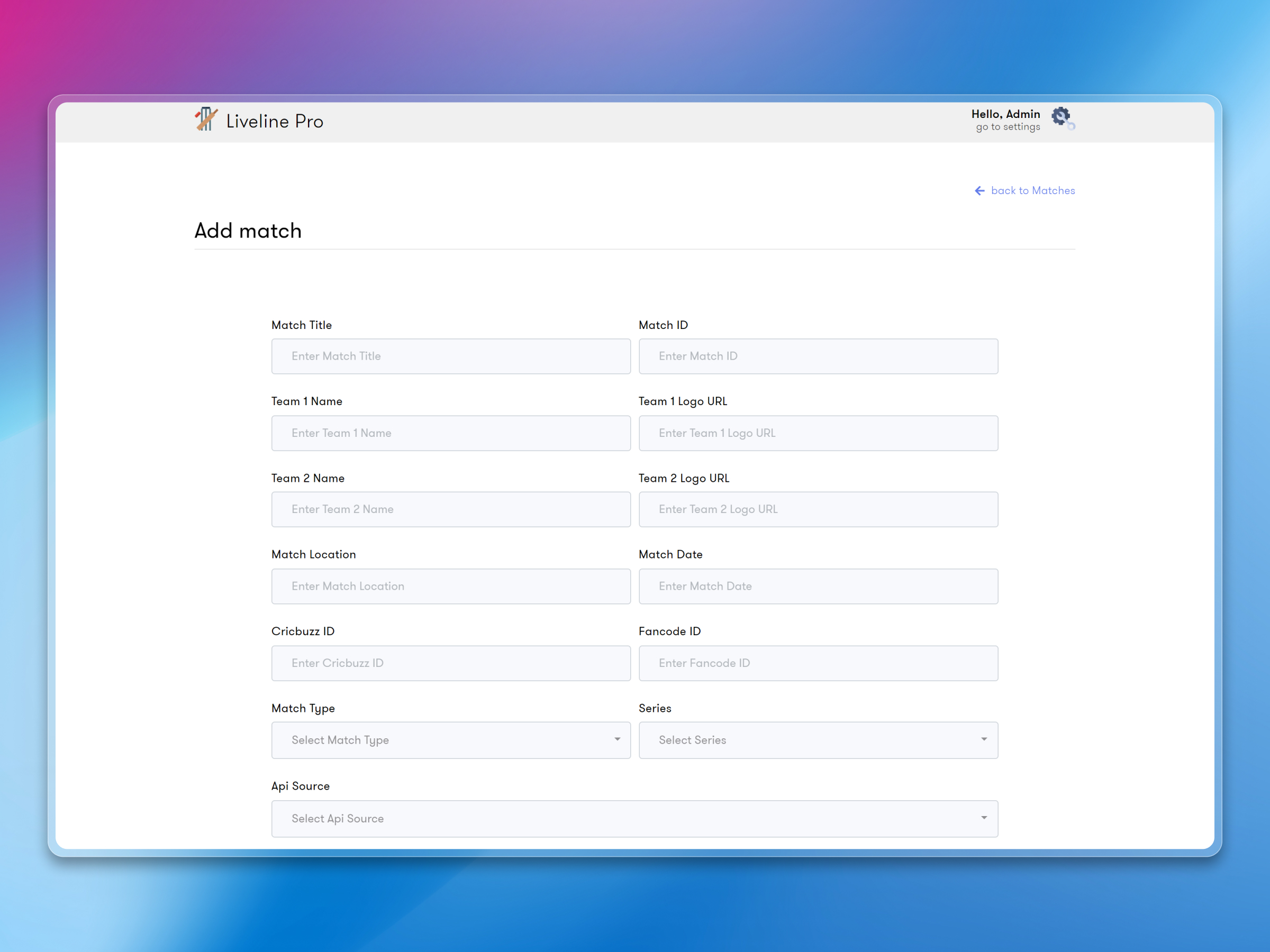
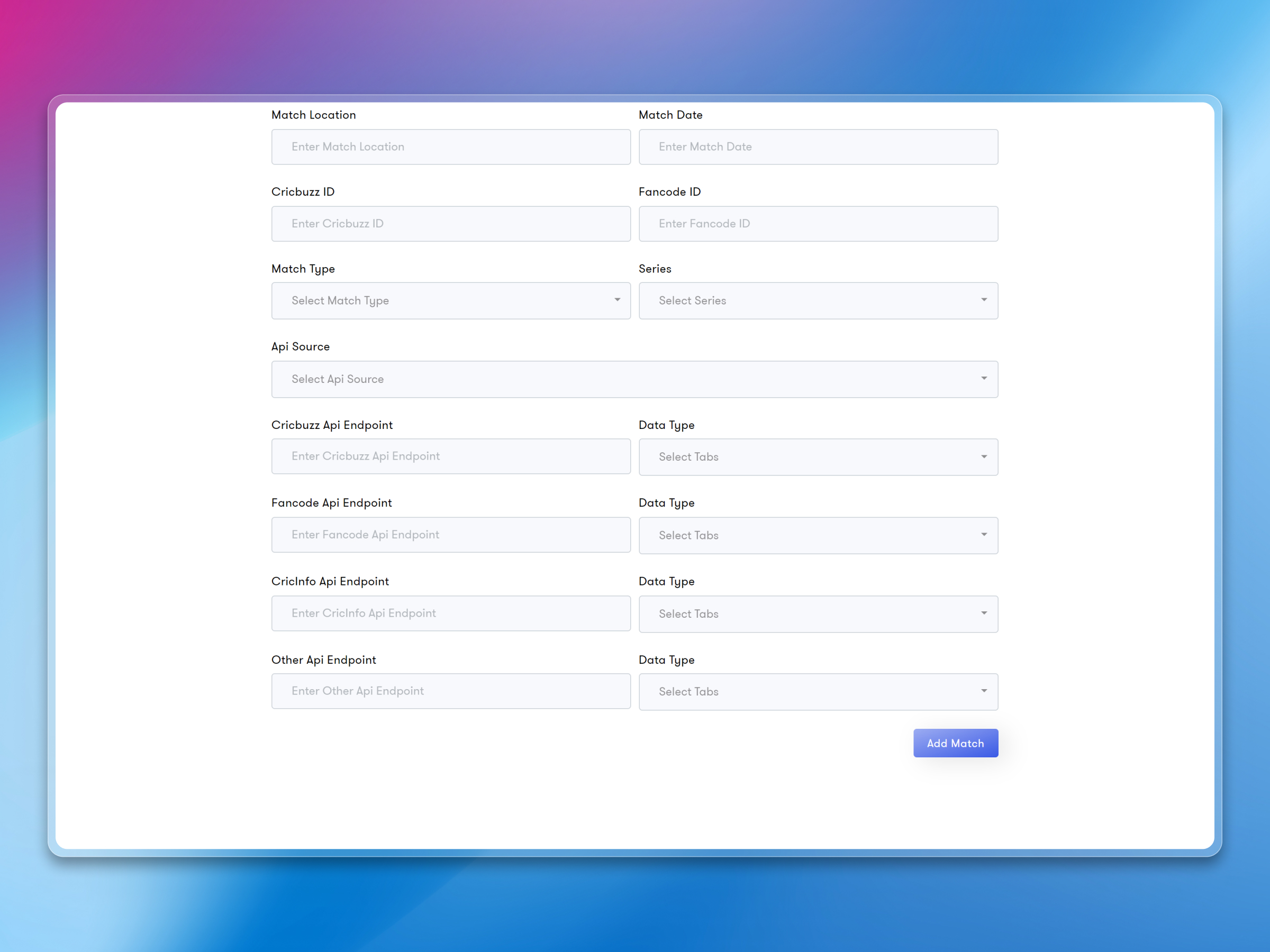
Match Management
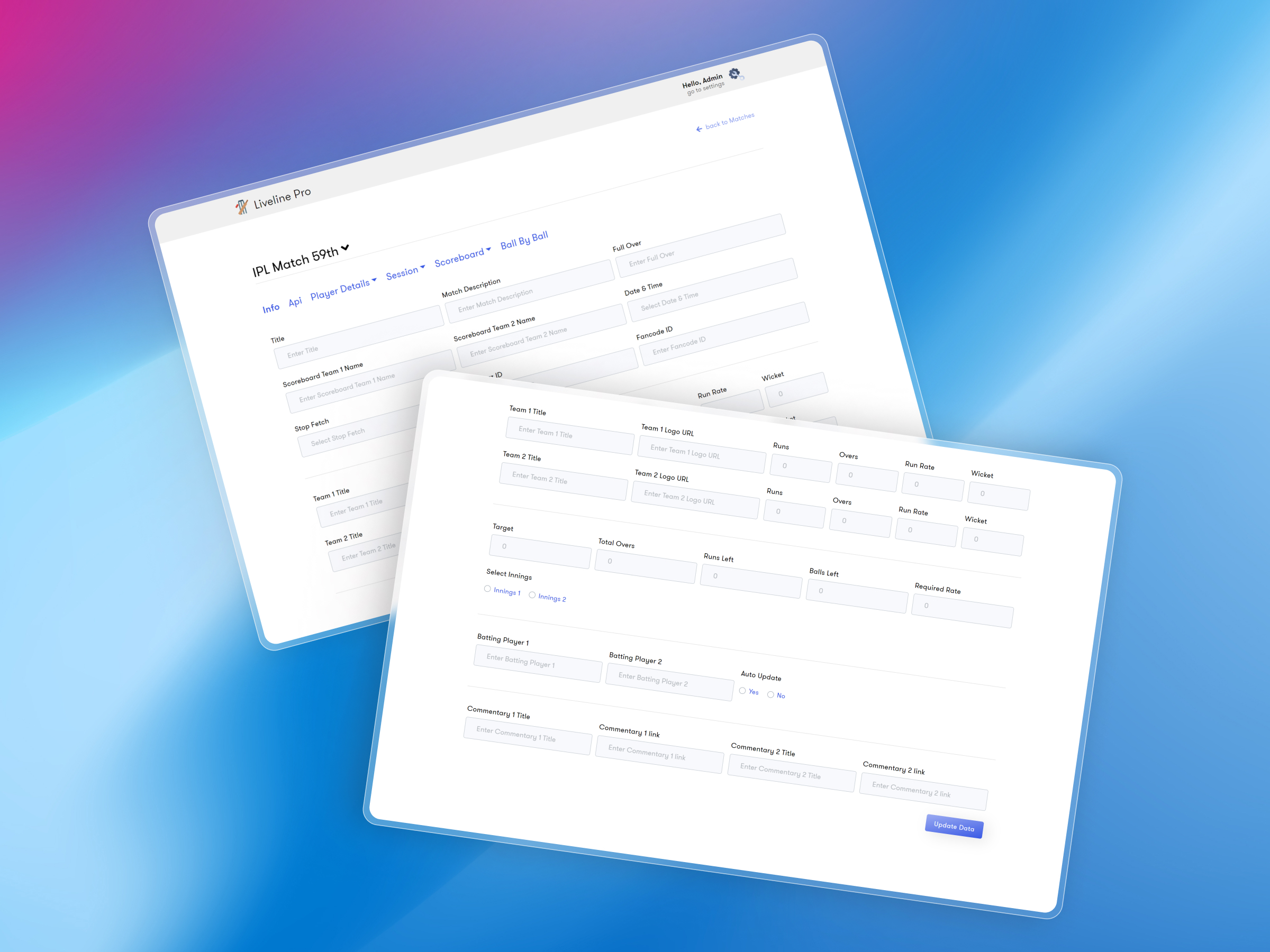
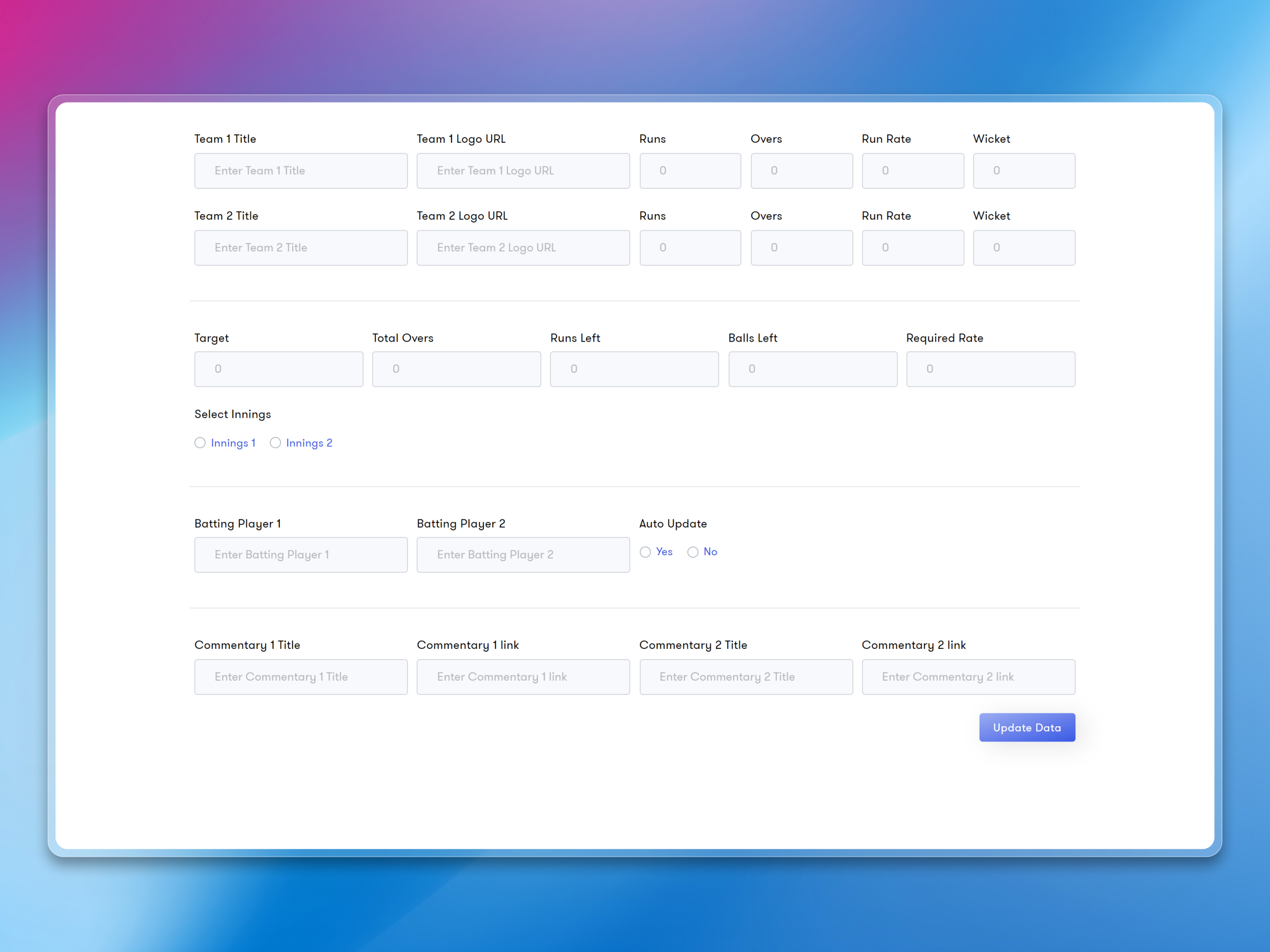
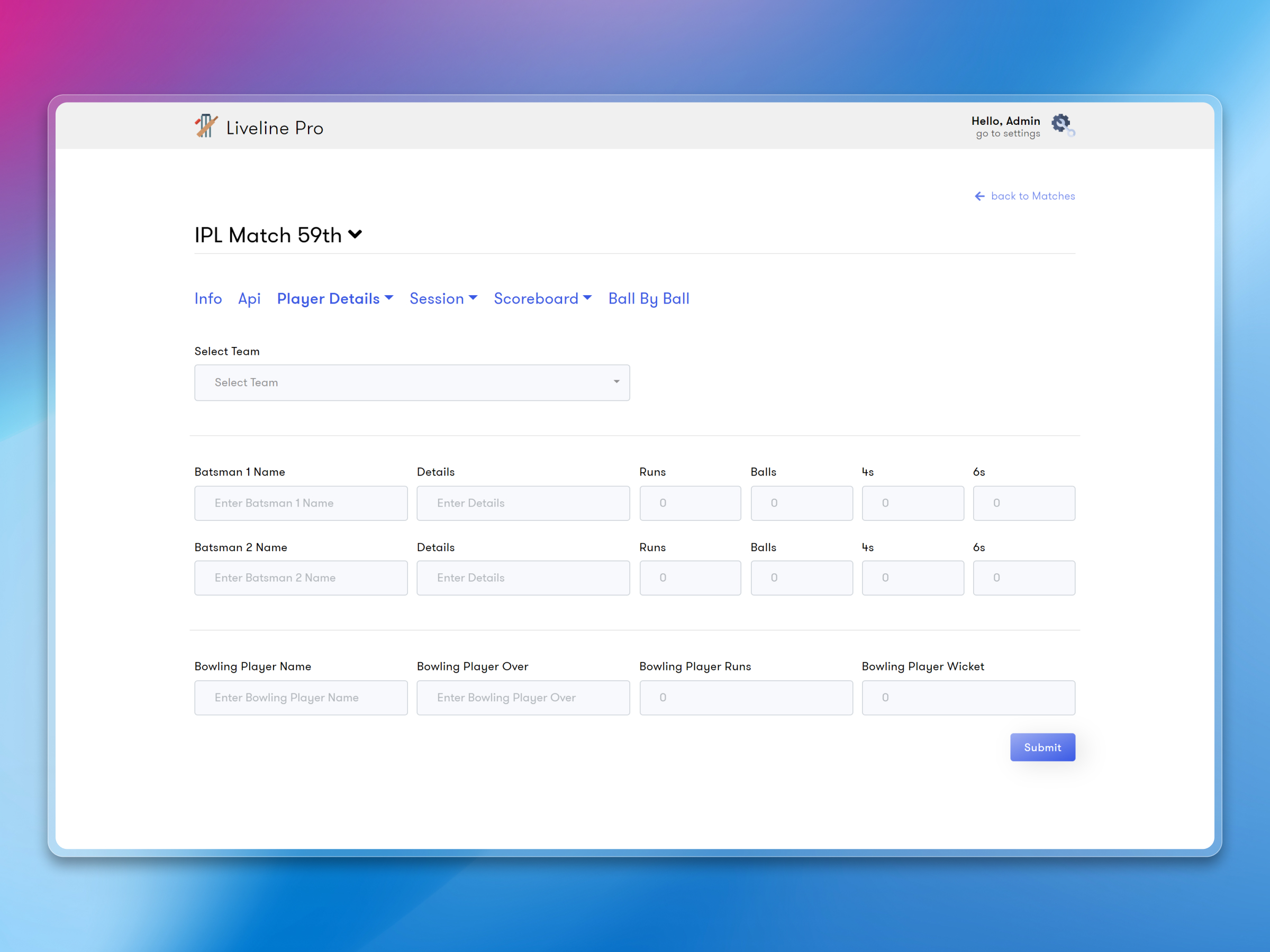
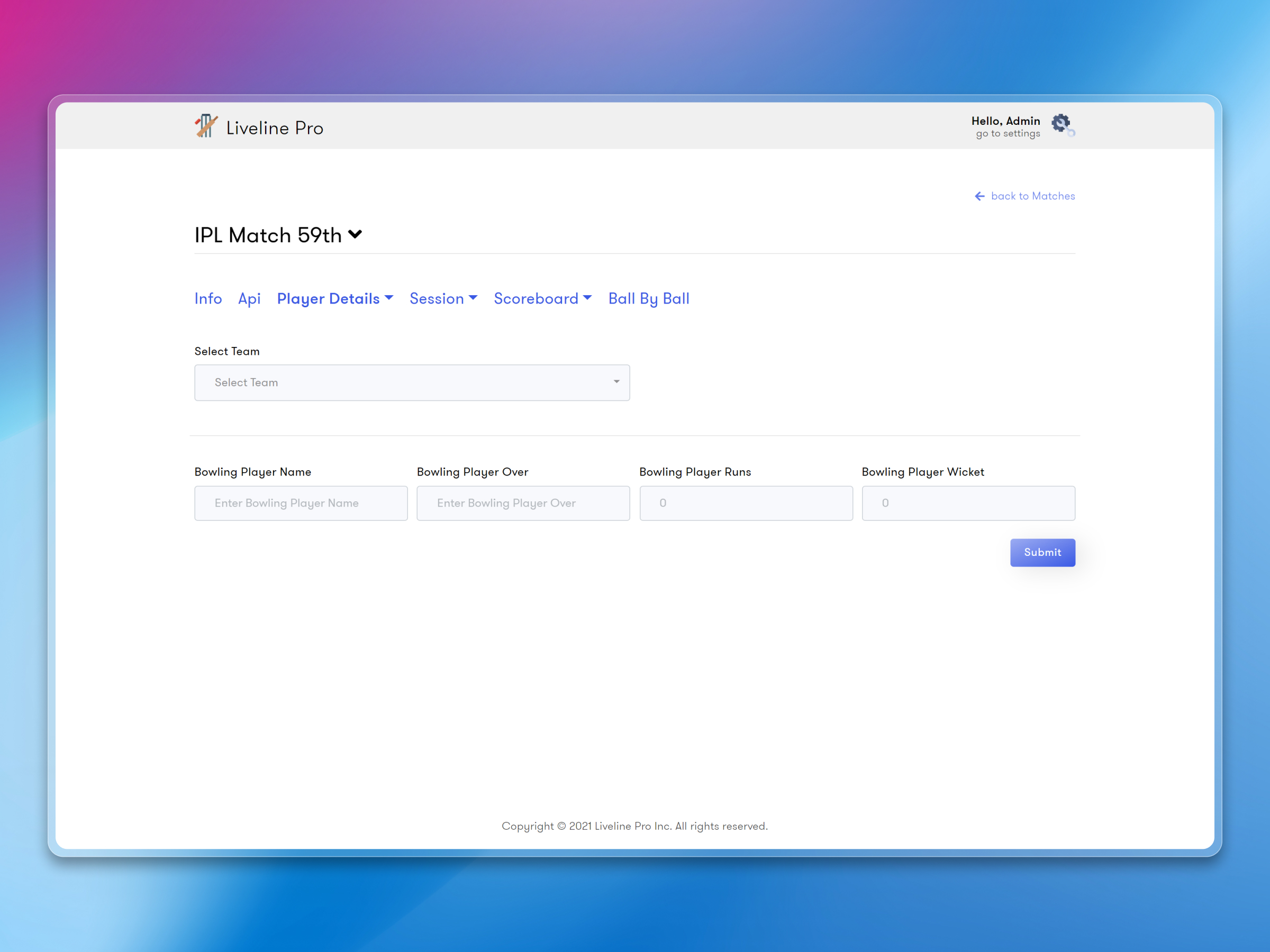
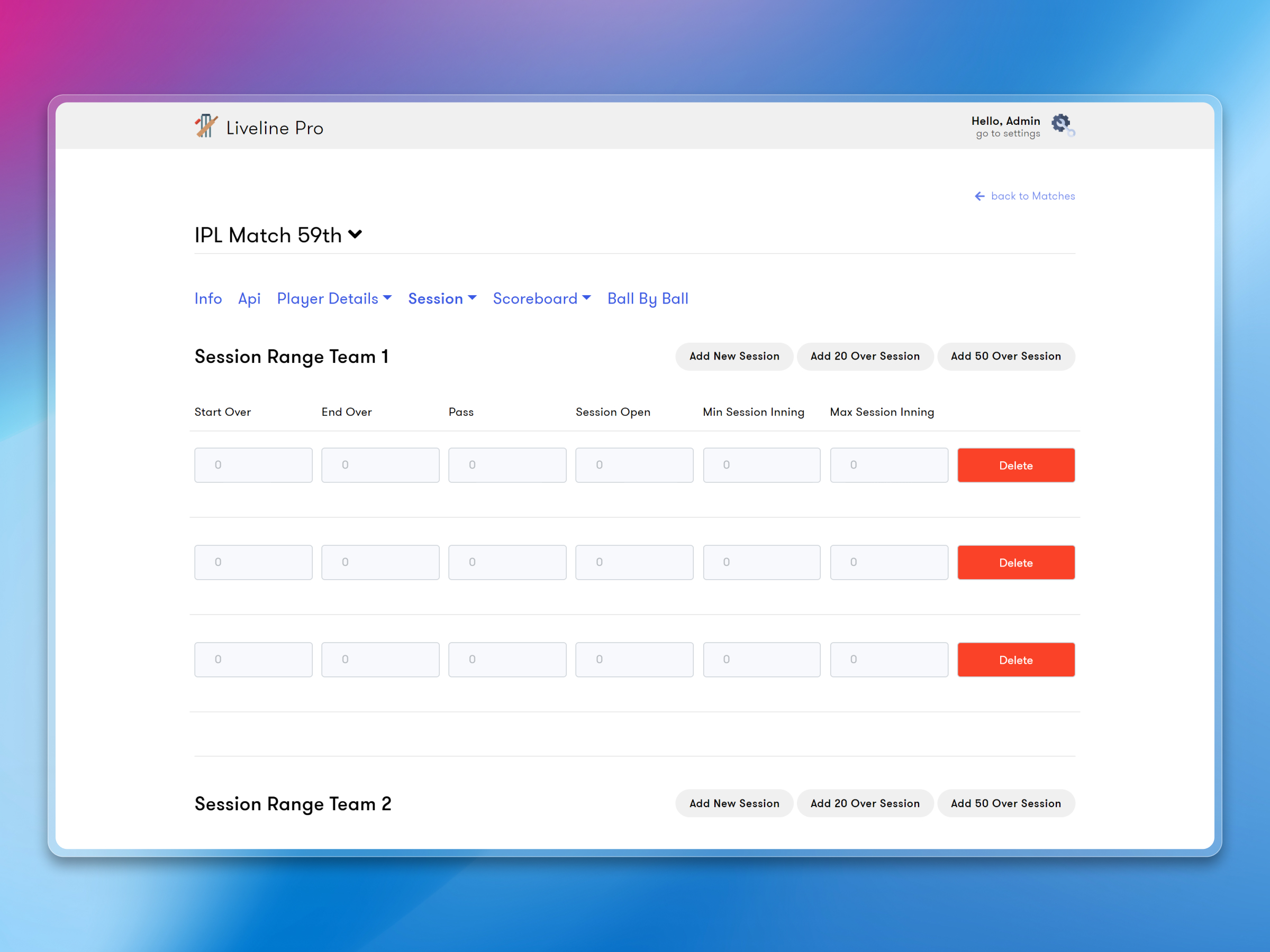
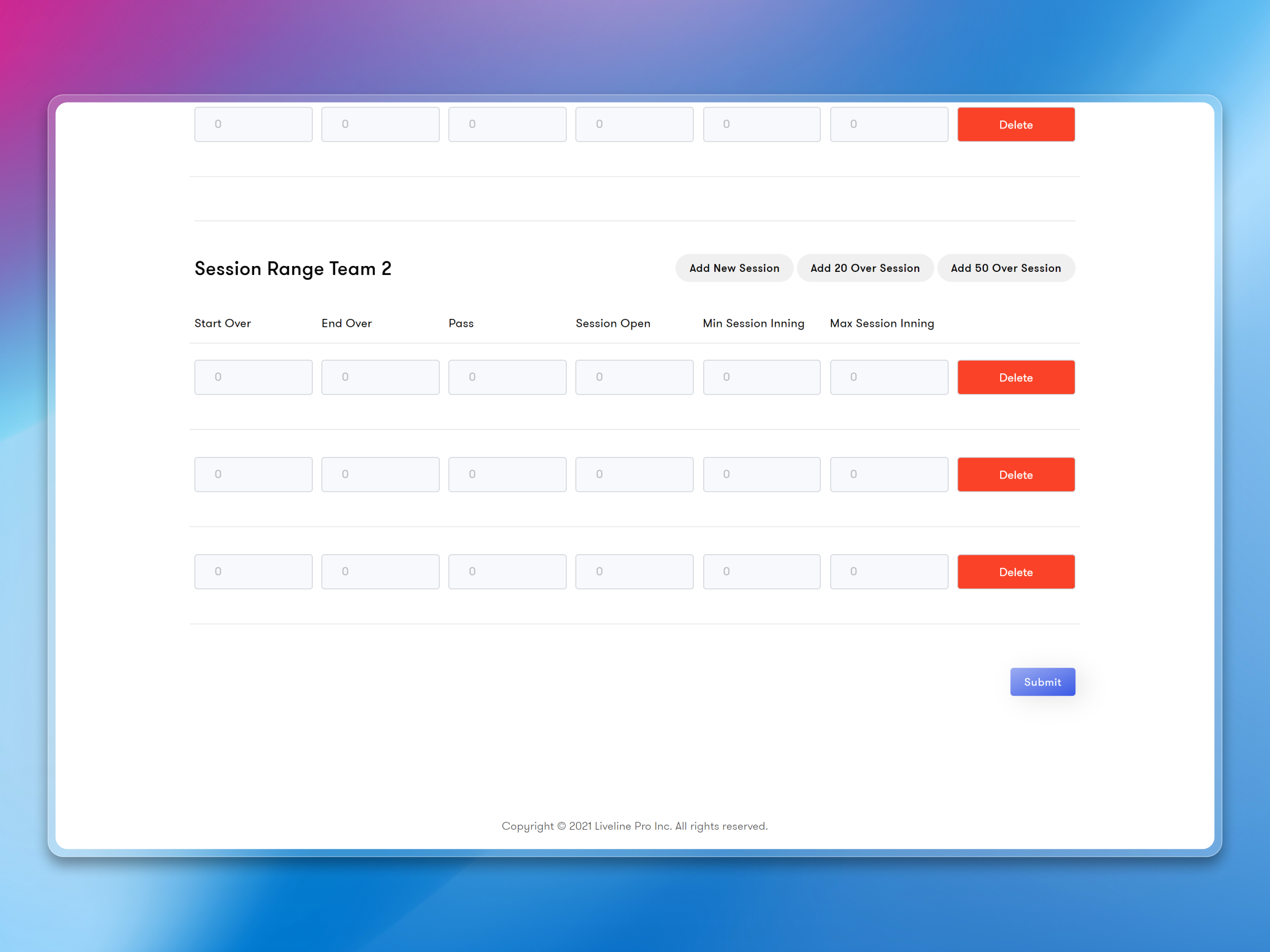
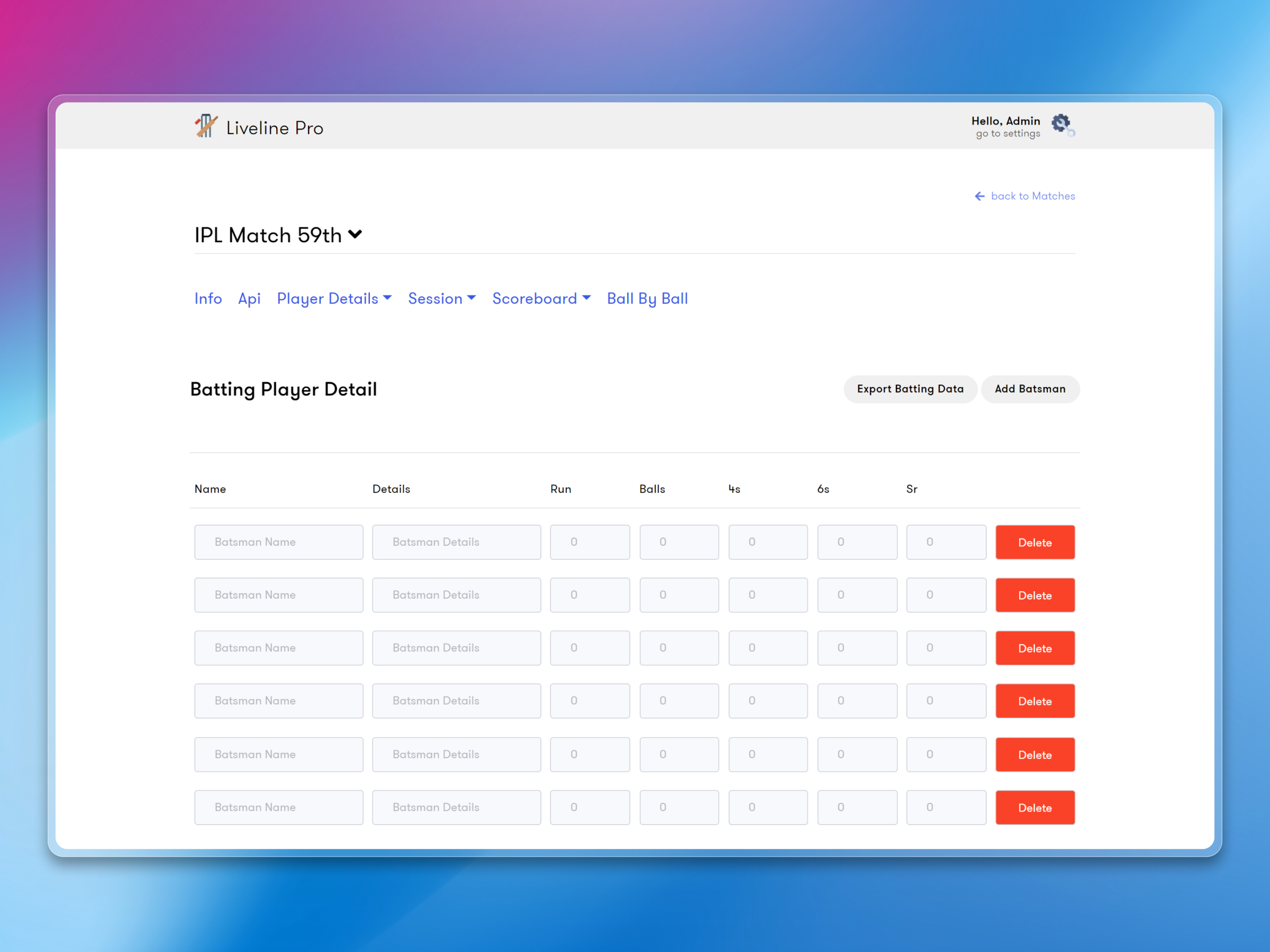
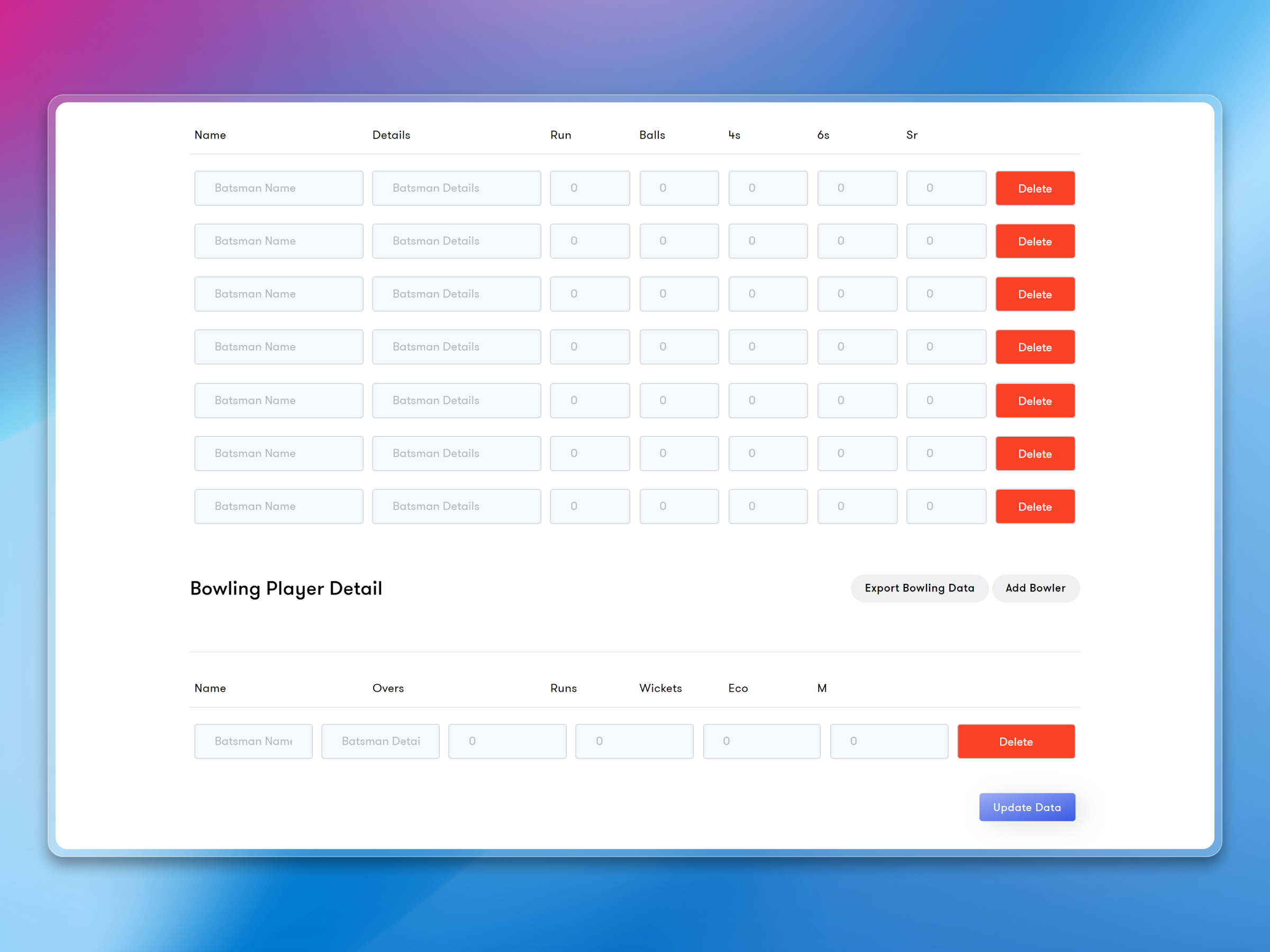
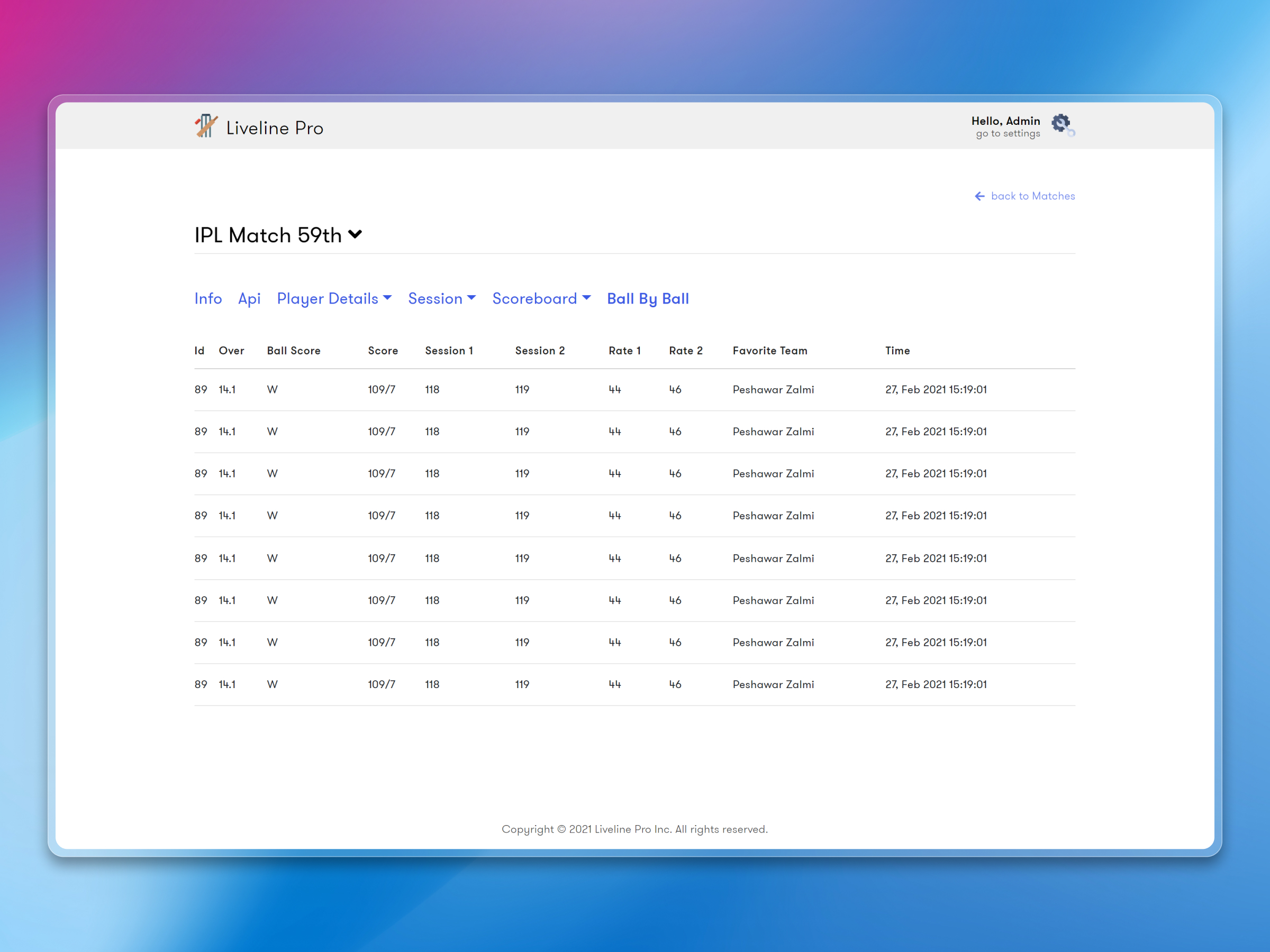
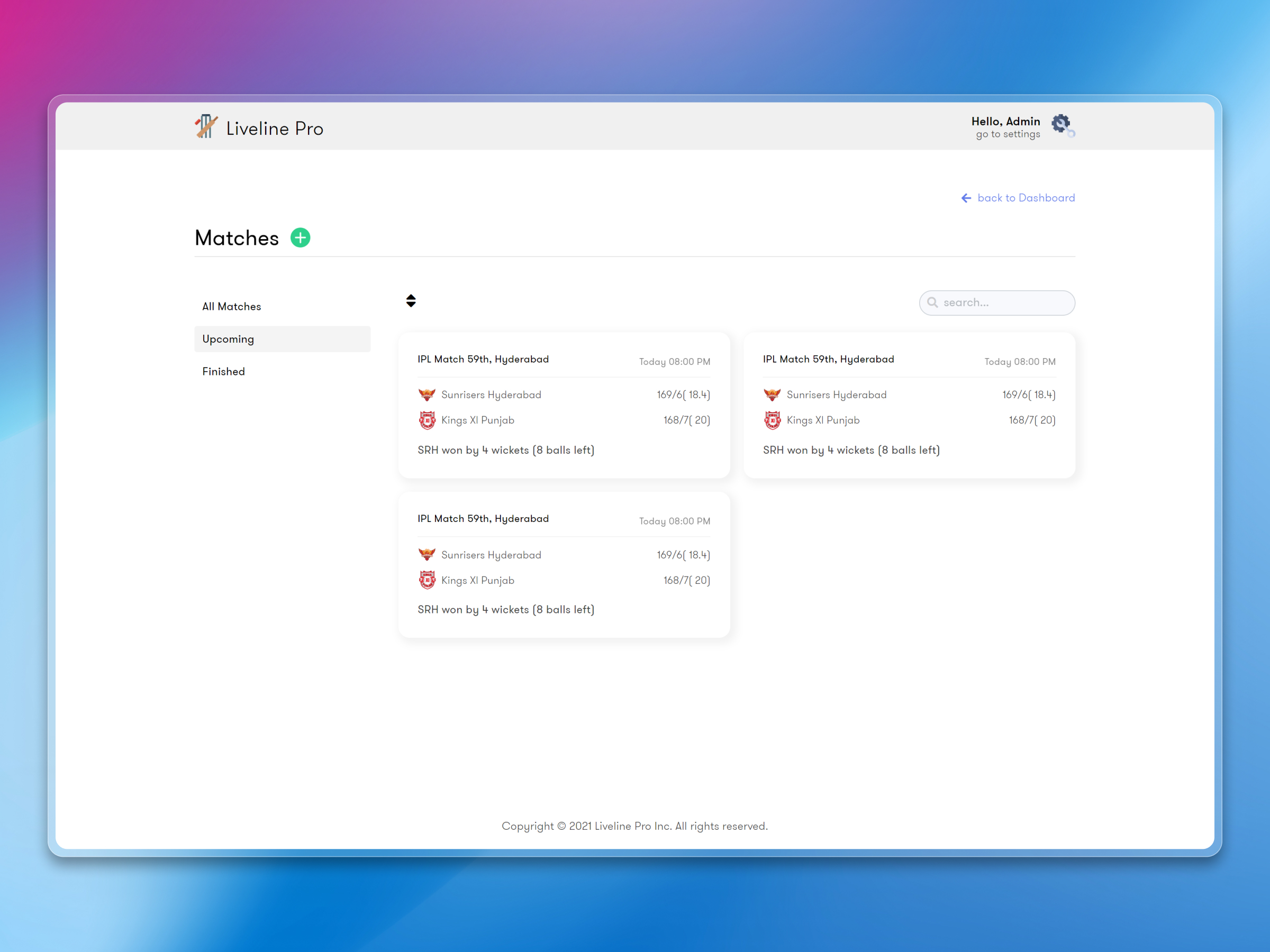
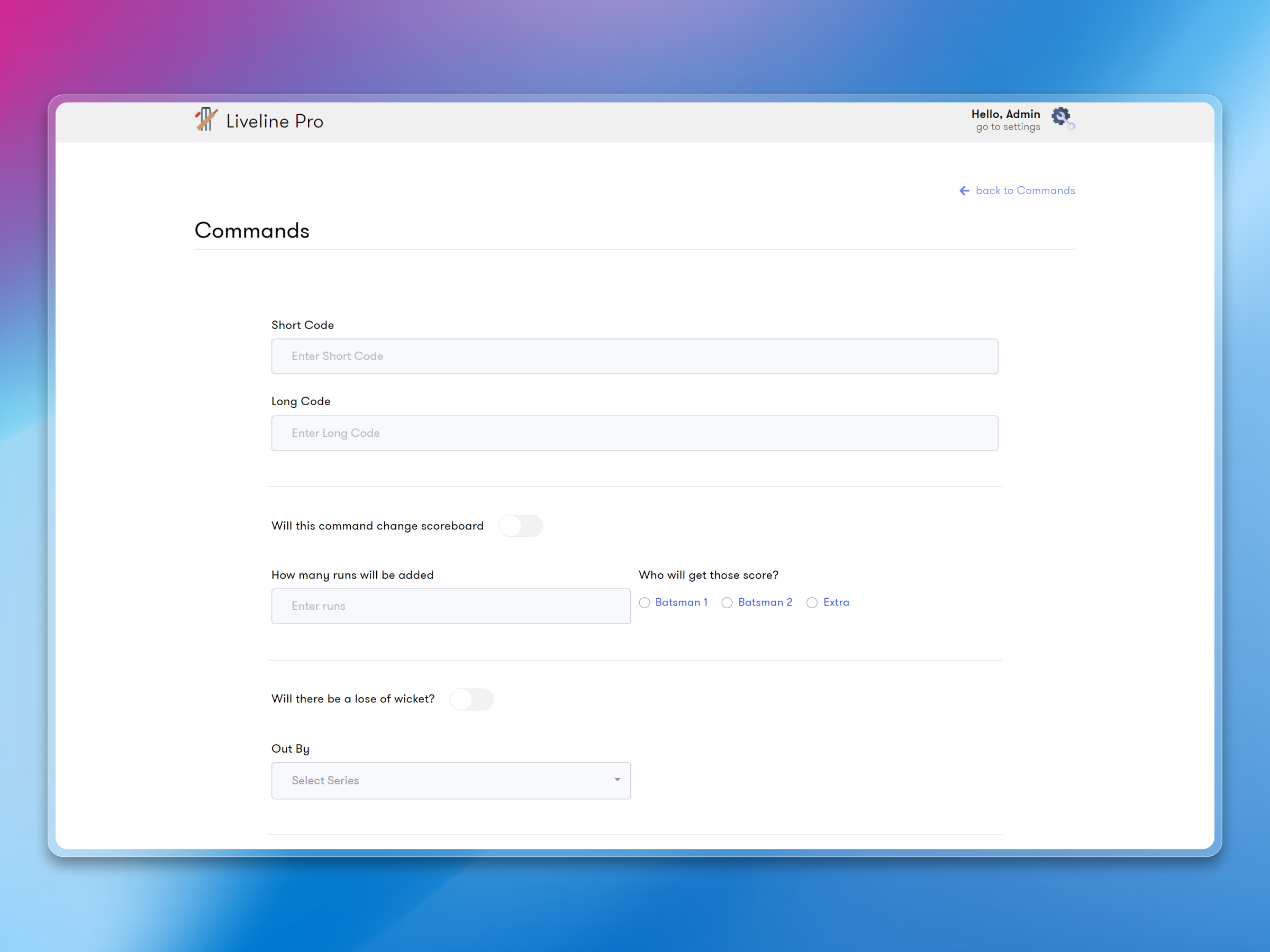
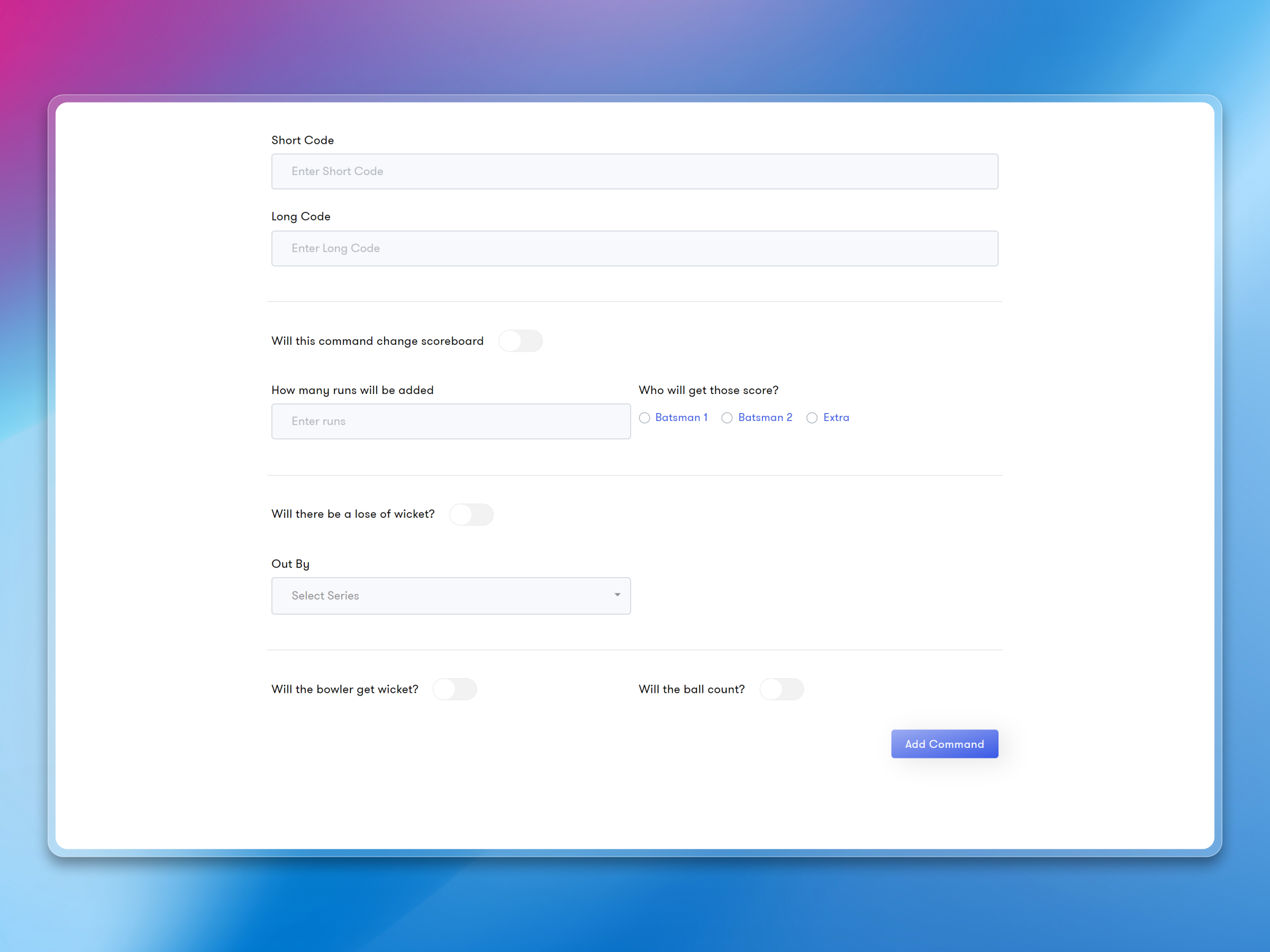
Operators can create matches, set up teams, assign players, and start live scoring — all from a clean web interface. Ball-by-ball score entry is designed to be fast because during a live match, every second counts. The data syncs to Firebase in real time, so the product updates the moment a score is entered.
Multi-App Support
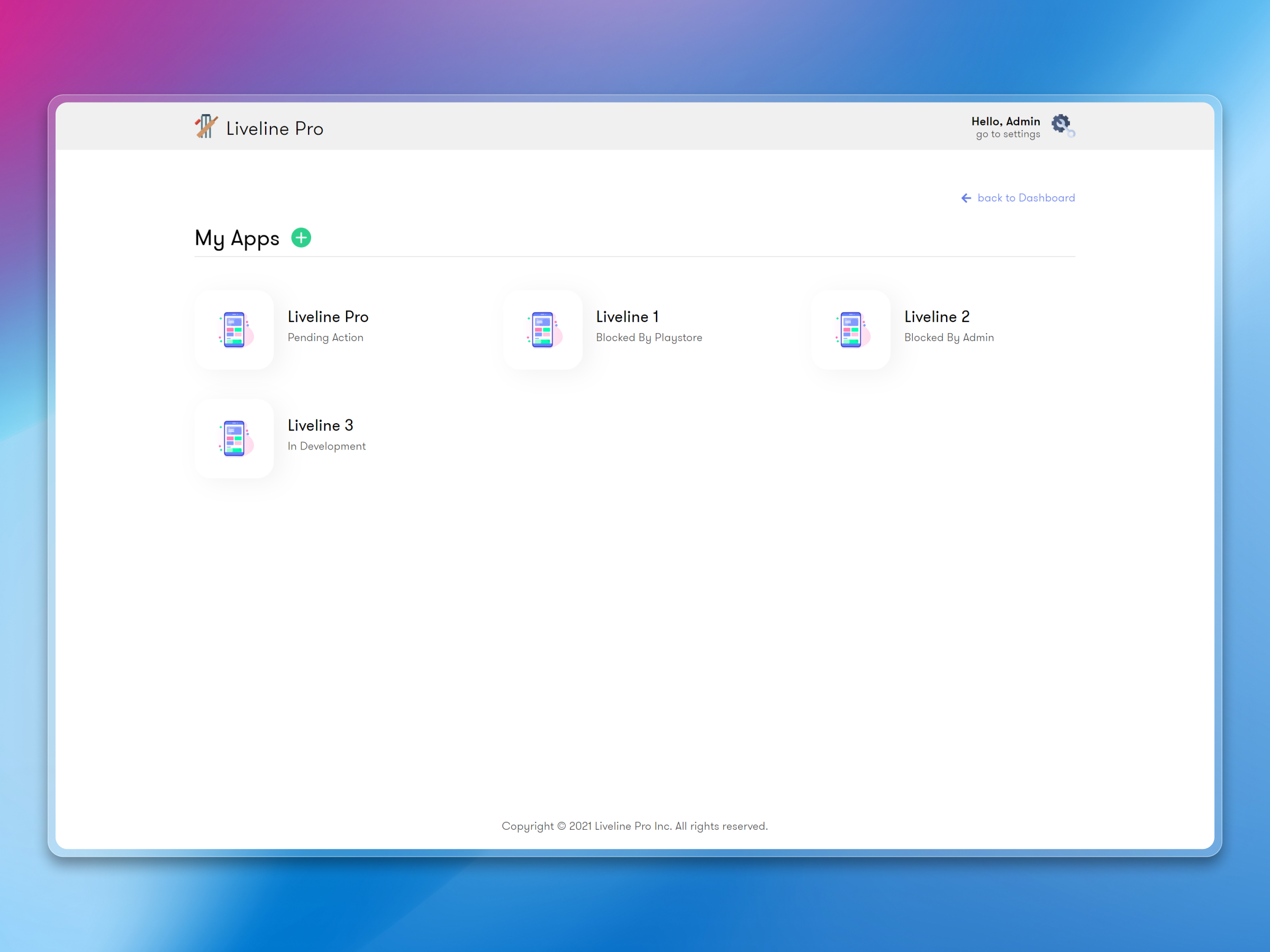
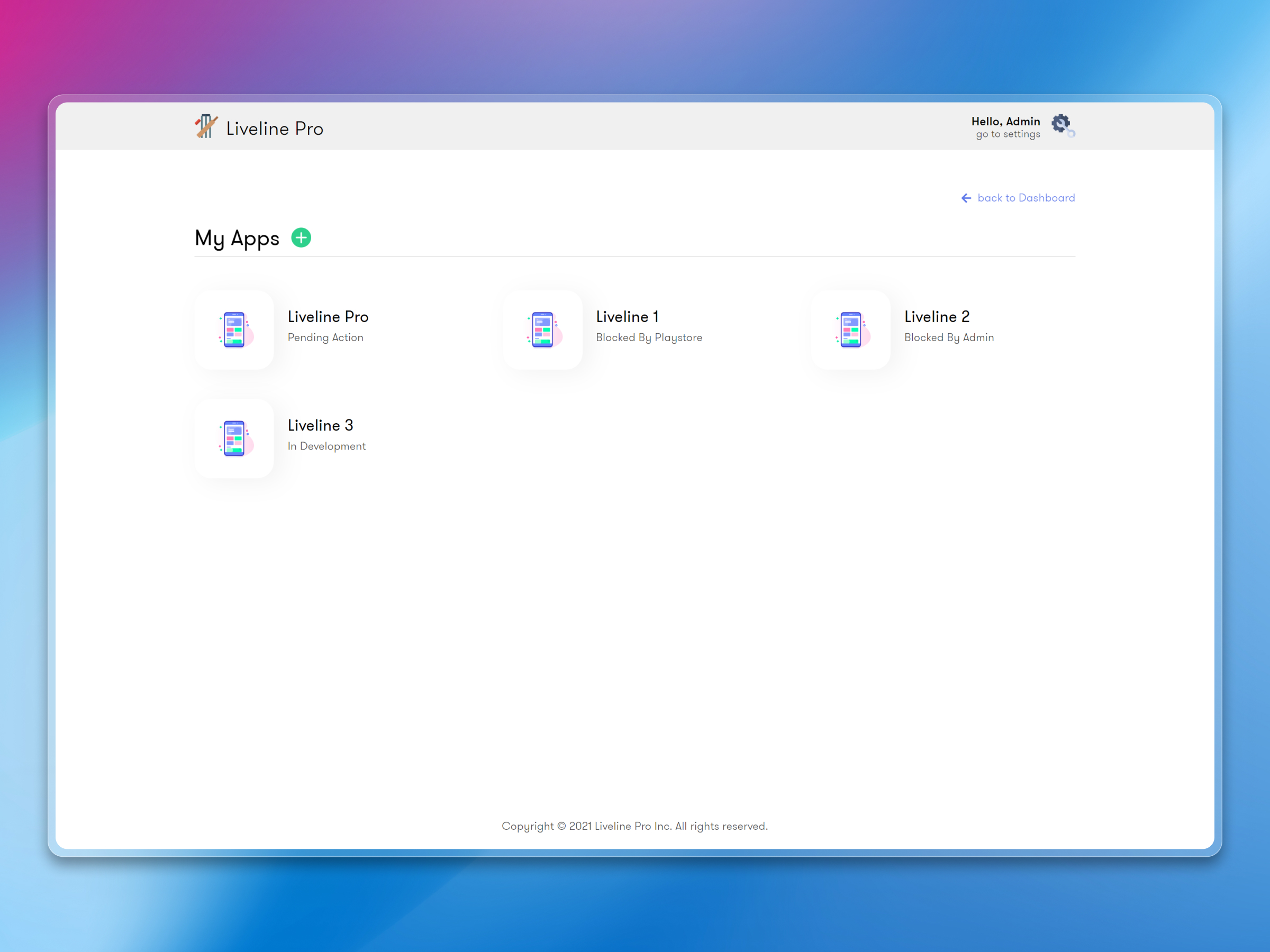
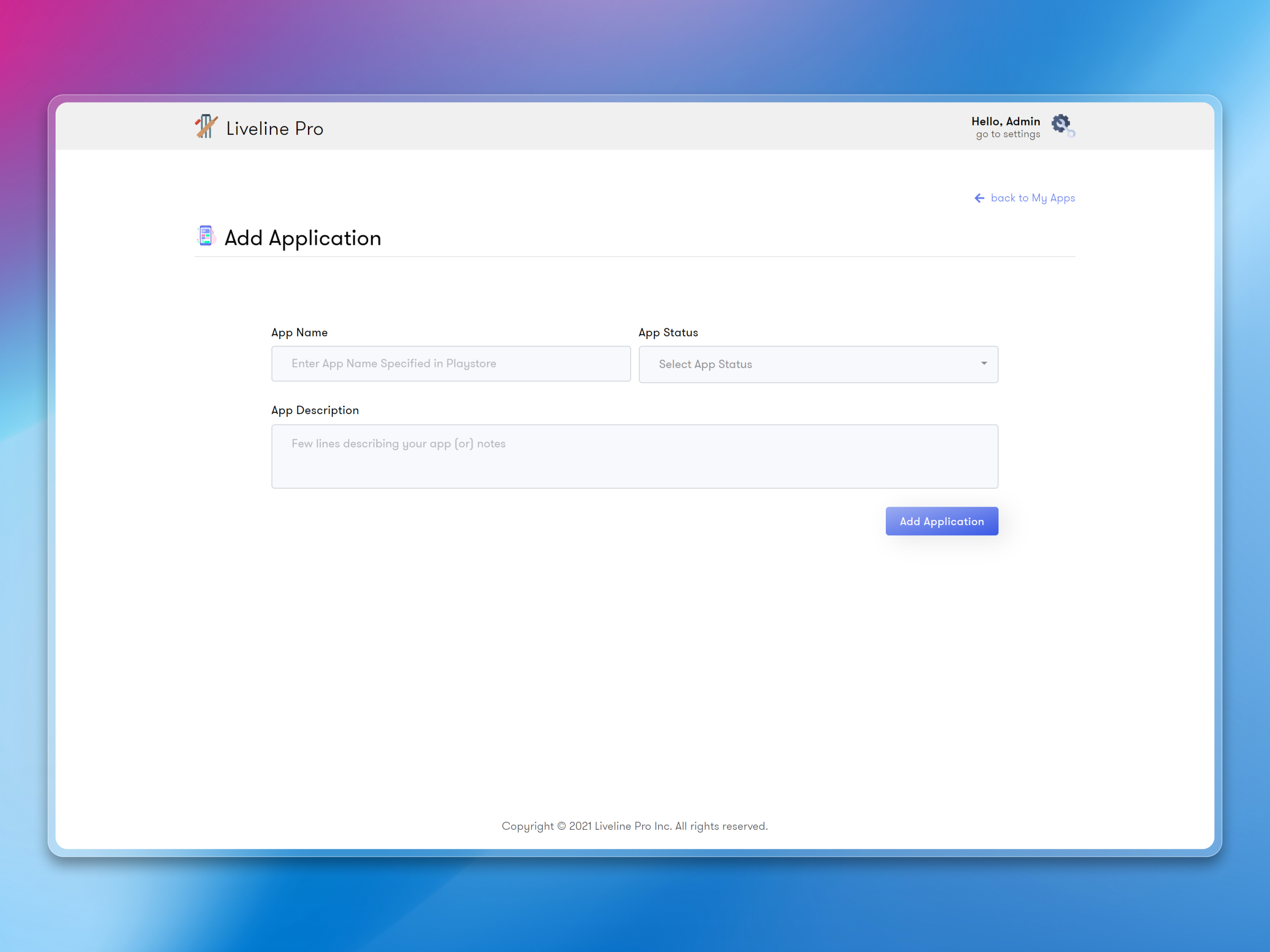
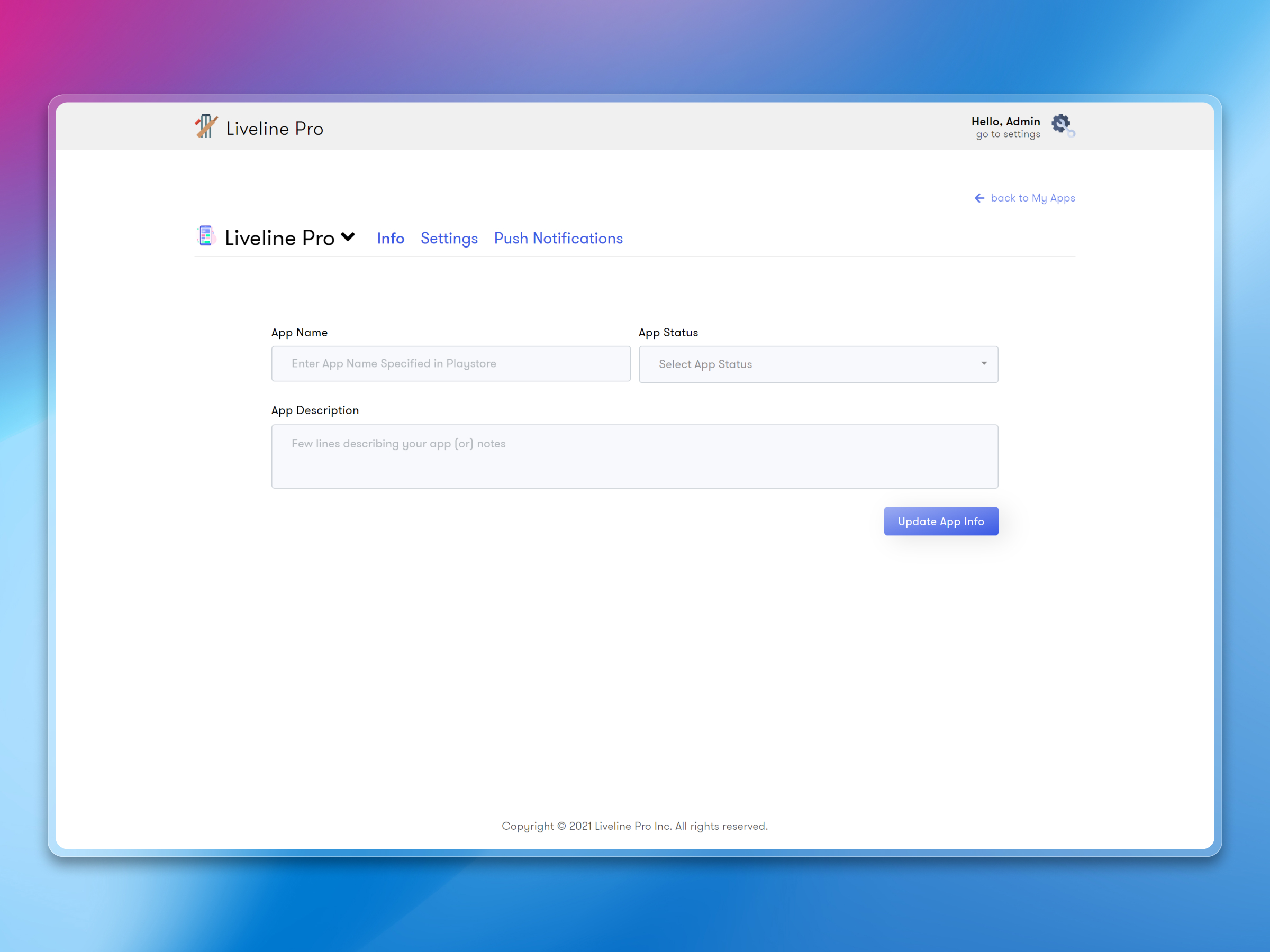
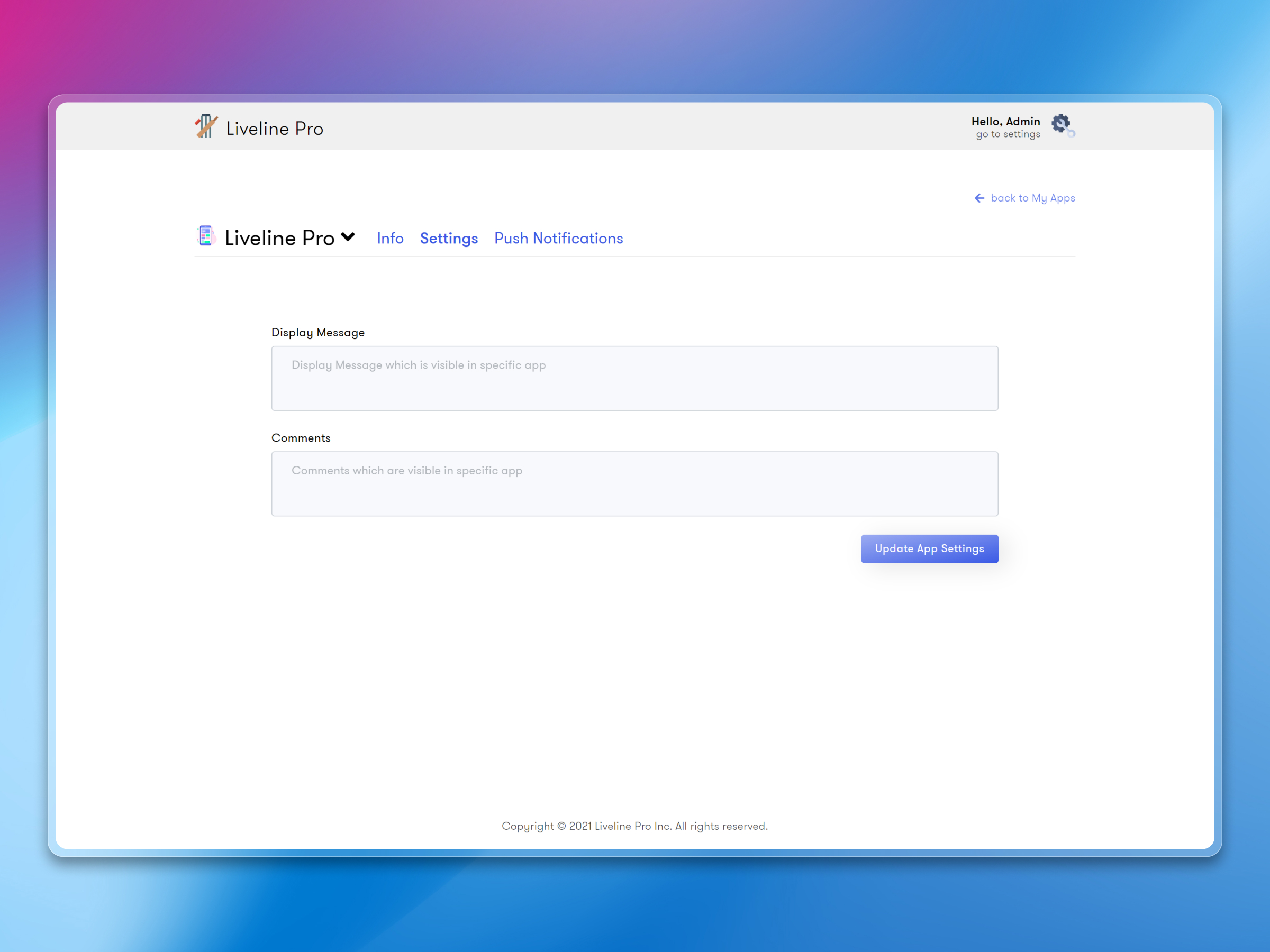
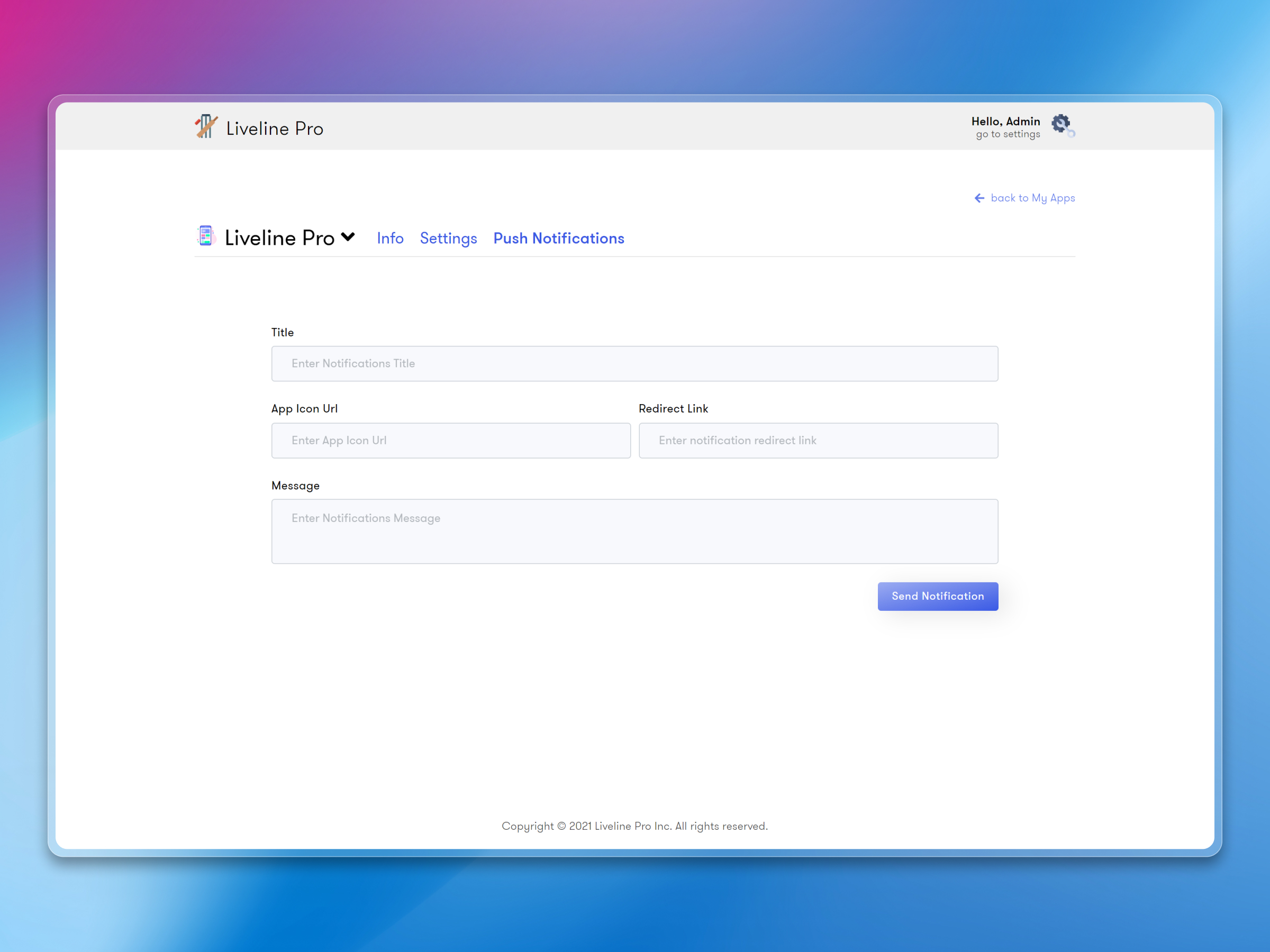
The dashboard serves data to multiple cricket apps simultaneously. Each app can have its own branding and configuration, but they all pull from the same backend. Put simply, the client can run white-label versions of the product for different tournament organizers without maintaining separate systems.
Scalable Architecture
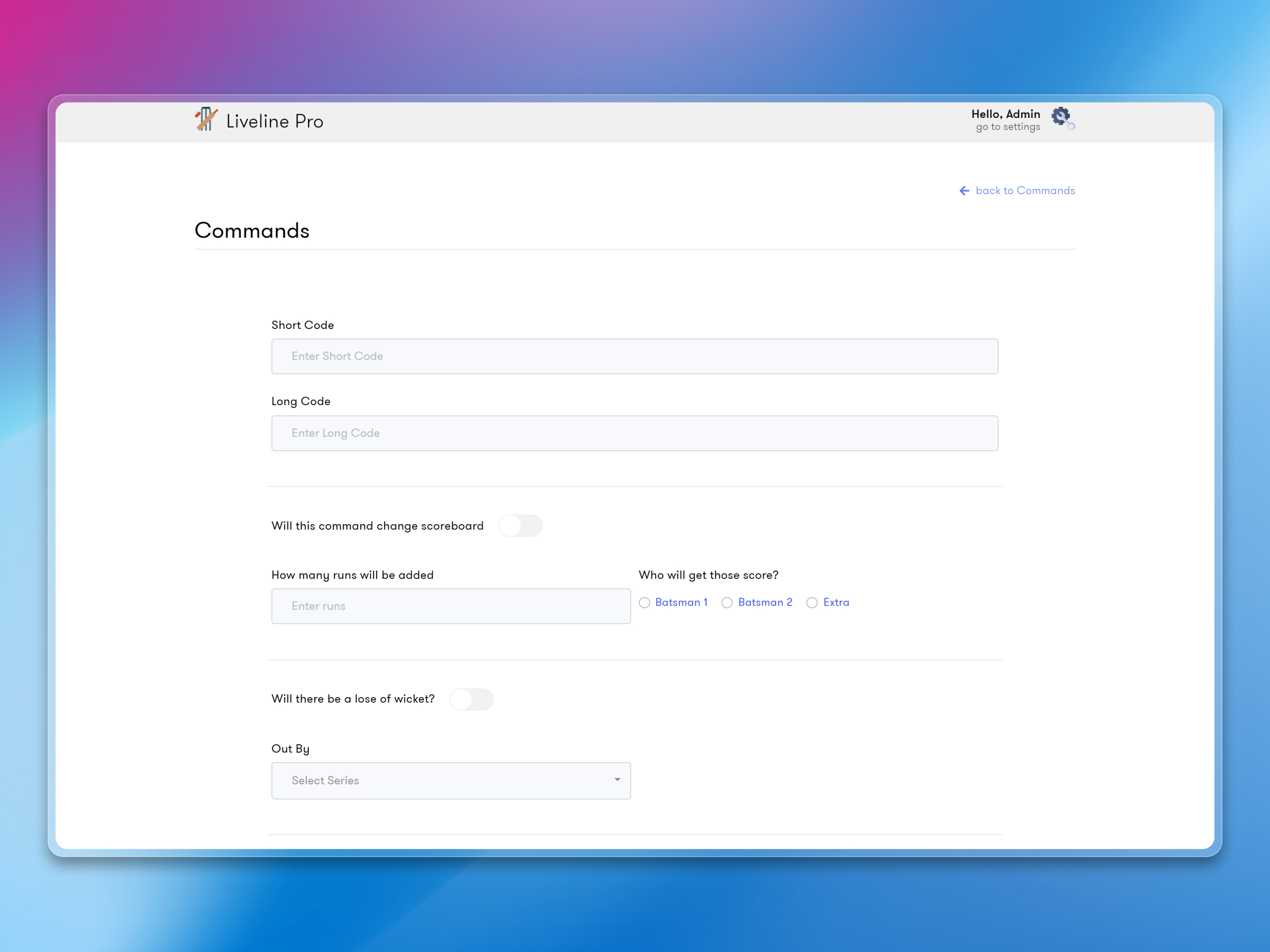
Firebase handles the real-time data layer, and Next.js gives us server-side rendering for the dashboard itself. During cricket season, the system handles data flowing to 5,000+ concurrent users across multiple apps — without lag or dropped updates.
What shipped
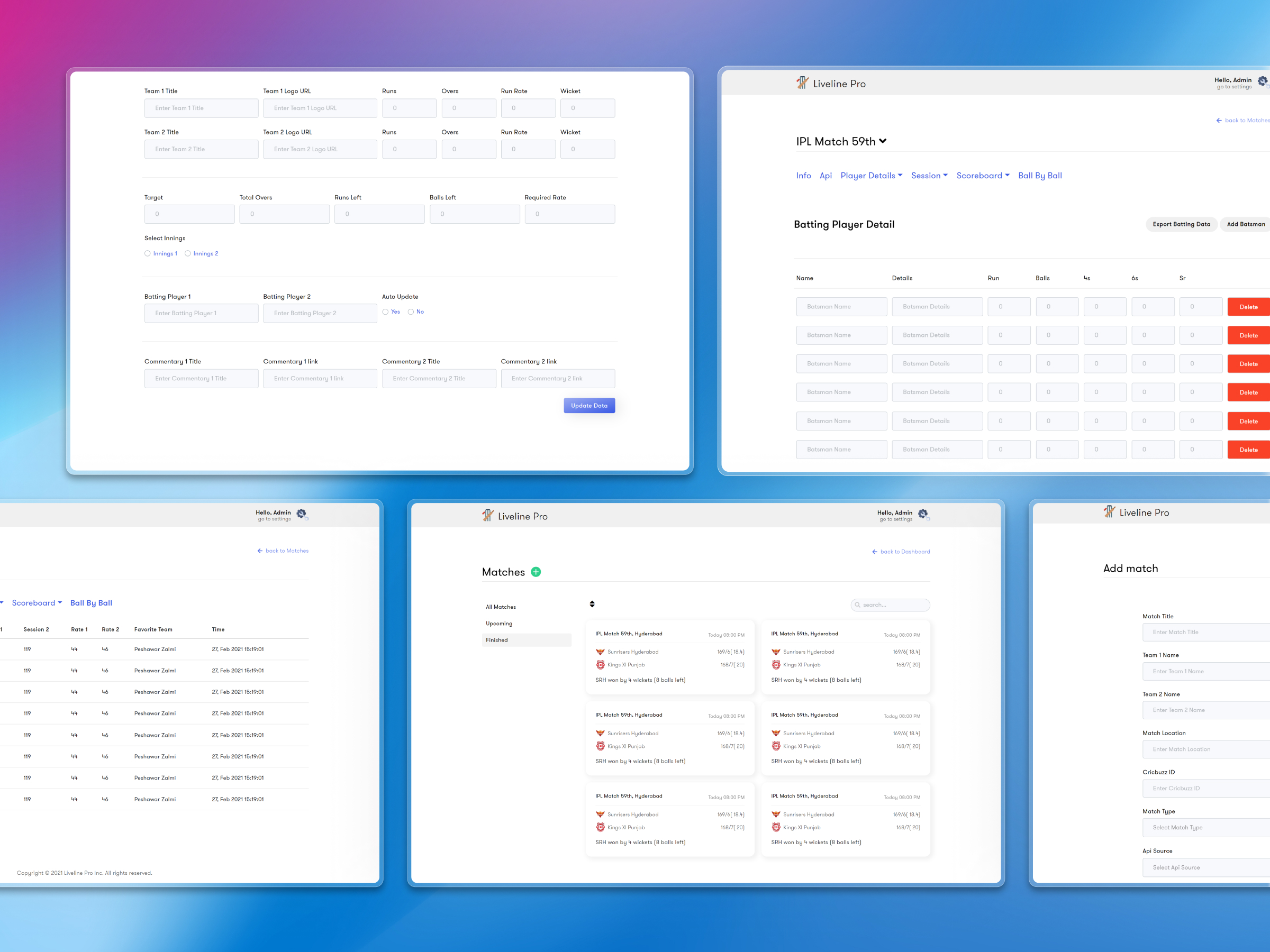
The dashboard became the single source of truth for all international cricket data across the client's apps. Operators could manage IPL, World Cup, and T20 league matches, enter live scores, and publish results — all from one place. During peak IPL seasons, the system handled real-time updates to 5,000+ concurrent users without breaking a sweat.
The multi-app support meant the client could launch additional white-label cricket apps without building anything new — just spin up another app instance pointed at the same dashboard.
Frequently Asked Questions
Questions about cricket admin panels,
scope, decisions & outcomes.
Project delivery context and architectural decisions. Key insights on scope definition, performance outcomes, and engineering trade-offs.
The admin panel is where operators enter ball-by-ball scores, manage fixtures, and control match data. It connects to the mobile app through Firebase's real-time database — so the moment a score is entered in the dashboard, it appears in the product instantly. No polling, no delays.
Related Work
Similar case studies,
selected for context.
Continue exploring related work, with comparable product and delivery challenges.